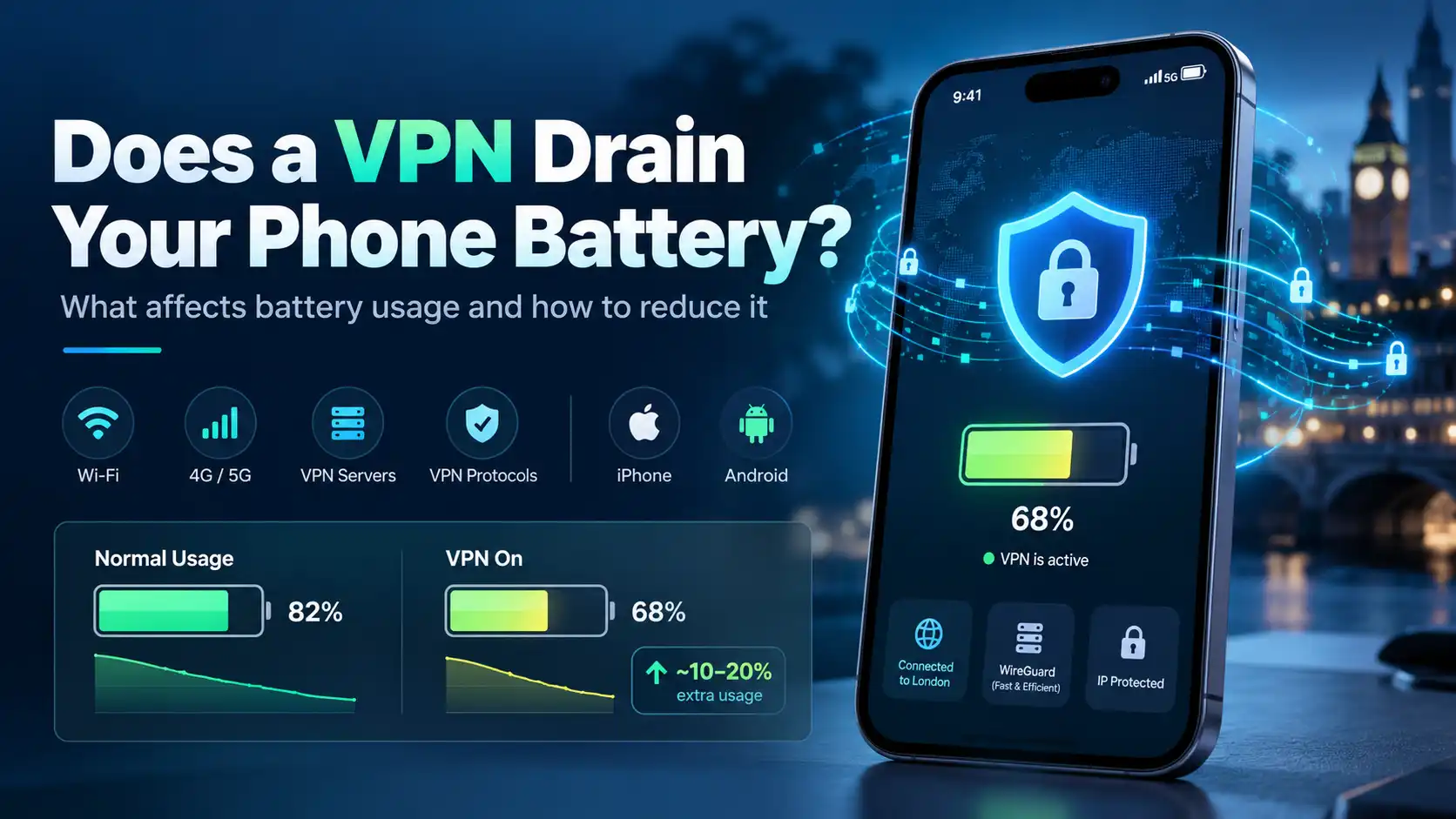
You turn on your VPN for extra privacy, browse for a while, and notice your phone battery dropping faster than expected. Is the VPN responsible, or is something else happening?
Yes, a VPN can use additional battery power on an iPhone or Android phone. It encrypts and routes network traffic, which requires processing and an active connection. However, the extra drain is often modest, and there is no reliable percentage that applies to every device.
Here's what affects VPN battery usage and how to reduce it.
Why Does a VPN Use Battery?
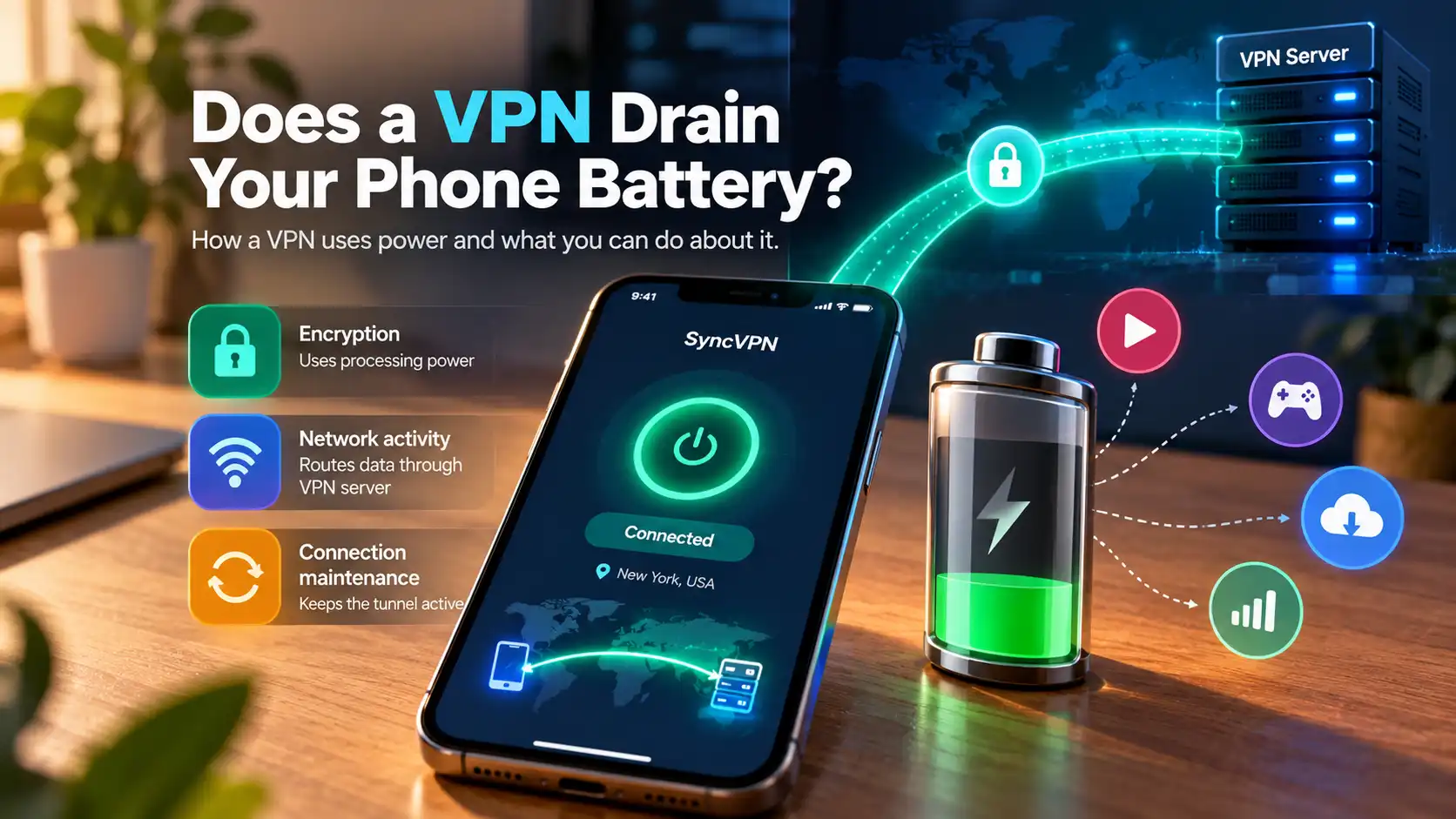
A virtual private network (VPN) creates an encrypted connection between your device and a VPN server. Your phone encrypts outgoing traffic and processes incoming encrypted data before applications can use it.
This adds work compared with a direct internet connection. Your phone may also exchange small messages to maintain the tunnel and reconnect when networks change.
Three factors contribute to power usage:
Encryption: Your phone's processor performs cryptographic operations.
Network activity: Data travels through the VPN server, sometimes increasing connection overhead.
Connection maintenance: The VPN may remain active as you switch between Wi-Fi and cellular networks.
Battery impact varies with traffic and connection efficiency.
How Much Battery Does a VPN Actually Drain?
There is no universal answer like “a VPN uses 10% more battery.” Results depend on the device and test conditions.
In a small test published by Surfshark, researchers compared battery usage while playing video with and without a VPN. Their Android phone showed a one-percentage-point difference in battery consumed; their iPhone showed a larger difference. The iPhone test also ran for a different duration, so the figures should not be treated as a general benchmark.
VPN battery drain can be measurable but isn't always dramatic. Video, screen brightness, reception, and background apps may consume more.
Your own controlled test is more useful than a guaranteed percentage.
Does a VPN Drain iPhone Battery Faster?
A VPN can increase battery consumption on an iPhone, but Apple provides no single figure for the additional energy used by all VPN apps.
Open Settings > Battery to inspect recent battery use. Depending on your iOS version, you can review app activity, background activity, and power usage associated with weak cellular coverage.
If battery life changed after installing a VPN, also check for updates, navigation, video calls, or poor signal.
Also check Battery Health where available. An aging battery may provide fewer hours of use even when software activity has not changed.
Does a VPN Drain Android Battery?
The underlying reasons are similar on Android: encryption, routing, and connection maintenance require energy.
On many Android devices, open Settings > Battery > Battery usage and review apps and system activity. Google's Pixel documentation also explains how to distinguish application use from energy consumed by system components.
Android manufacturers use different battery-management systems. Aggressively restricting a VPN app's background operation can interrupt its connection, so don't disable essential VPN activity just to improve a battery chart.
If you suspect a problem, compare similar sessions with the VPN enabled and disabled before changing important settings.
What Makes VPN Battery Drain Worse?
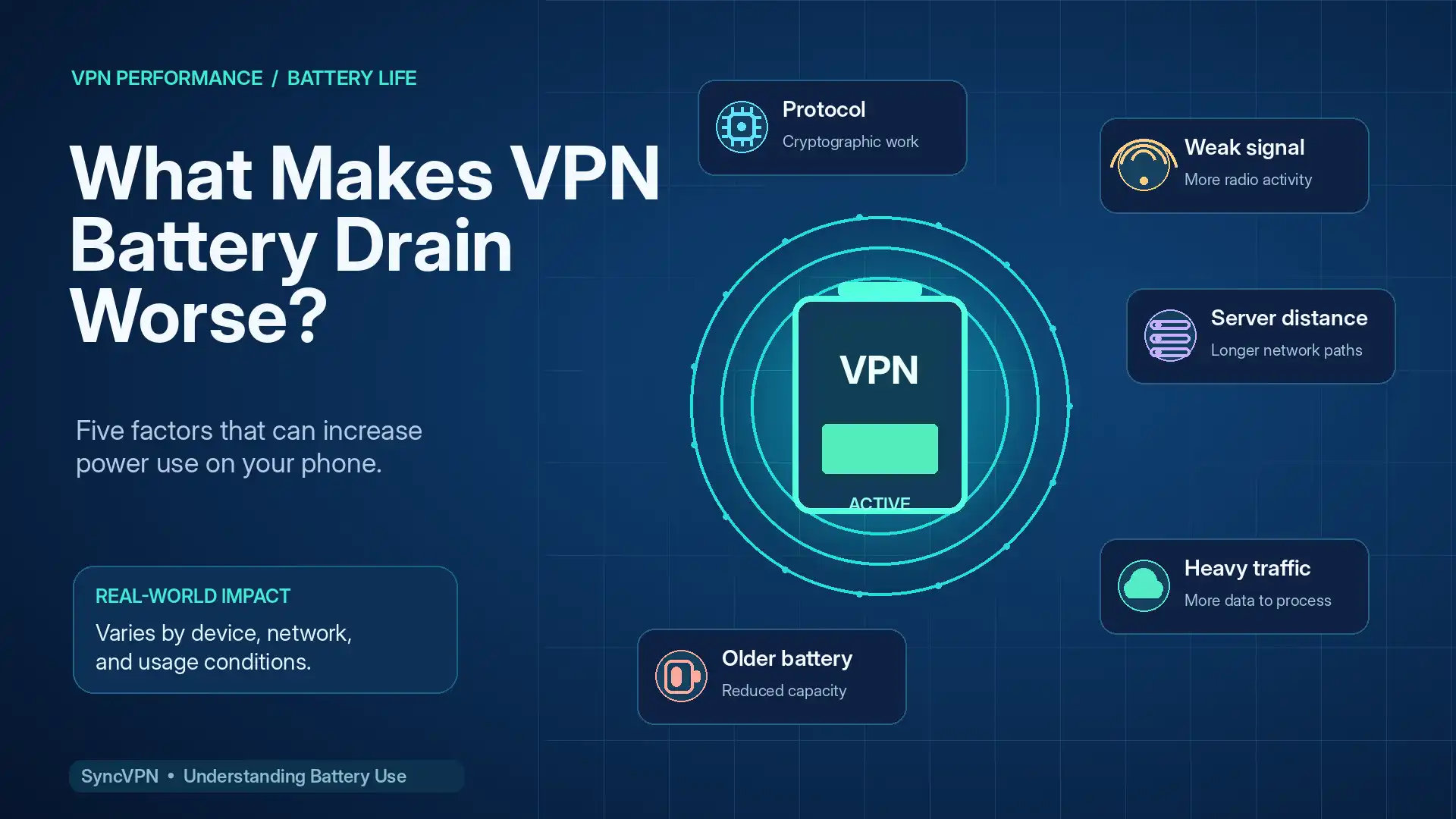
1. VPN Protocol
VPN protocols handle encryption, connection management, and reconnection differently. WireGuard uses a lightweight design and is often a sensible starting point for mobile devices. Actual battery efficiency still depends on the implementation and network.
2. Weak Wi-Fi or Cellular Signal
A phone struggling to maintain reception can use more power. Repeated network changes may also force the VPN to reconnect. Apple specifically identifies low signal strength as a factor in battery consumption.
3. Distant or Overloaded Servers
A distant server may increase latency. If an unstable connection leads to retries, longer downloads, or repeated reconnections, the overall task may consume more energy. Distance alone doesn't determine battery usage.
4. Heavy Internet Activity
Video streaming, cloud backups, large downloads, and gaming generate significant traffic. More traffic means more data for the VPN to process, although the screen, radio, and applications may still dominate power usage.
5. Older Devices and Batteries
An older battery holds less charge, making ordinary activity feel more demanding.
8 Ways to Reduce VPN Battery Drain
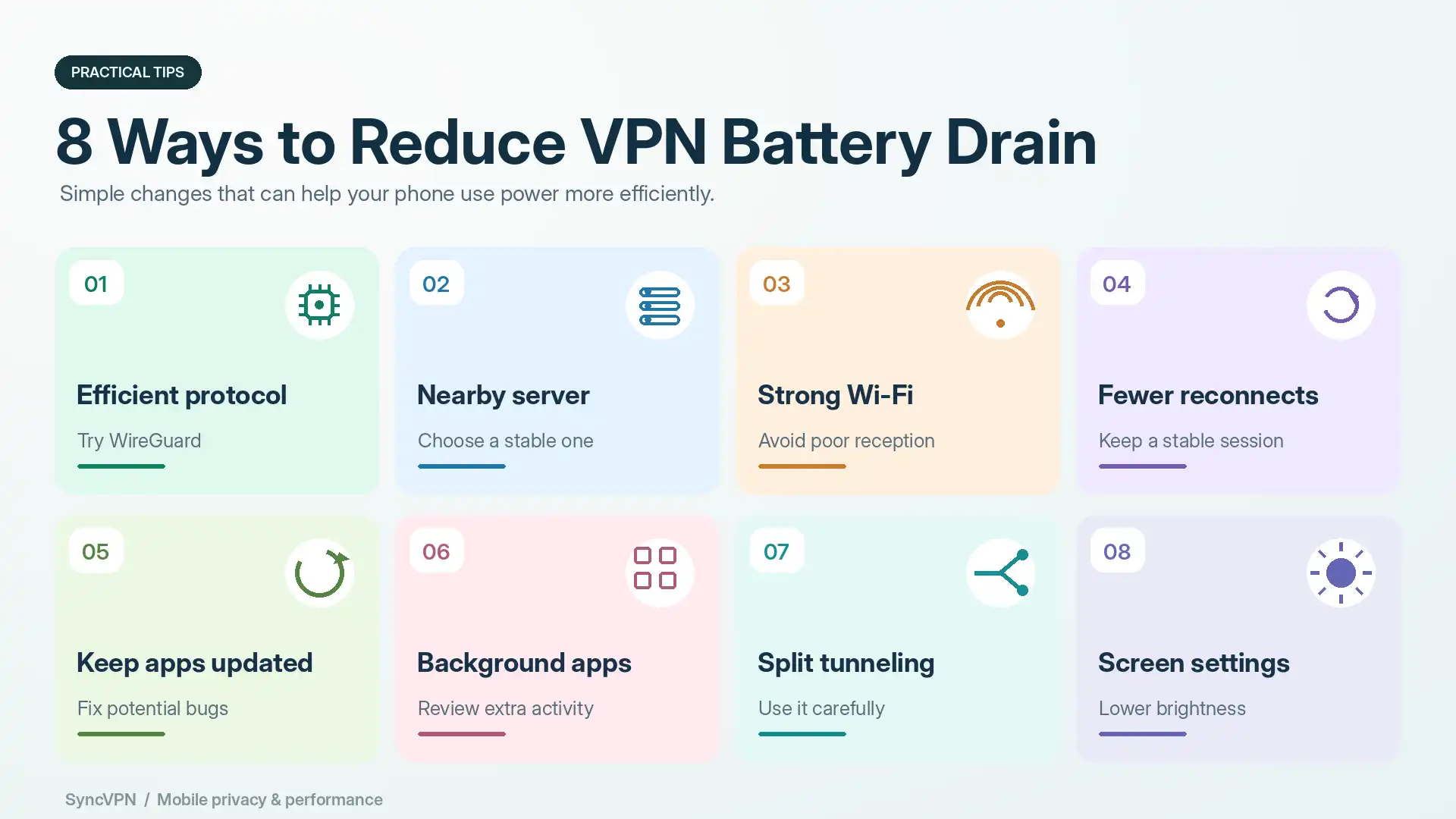
1. Try an Efficient VPN Protocol
If your service supports multiple protocols, compare WireGuard with another supported option. WireGuard is designed for efficient performance, but test results on your device matter more than promises.
2. Choose a Reliable Nearby Server
A geographically close server with a stable connection is often a practical default. If one server disconnects, try another.
3. Prefer Strong Wi-Fi When Available
A good Wi-Fi connection can use less power than mobile data, particularly when cellular reception is poor. Use trusted networks, and consider VPN protection on unfamiliar Wi-Fi.
4. Avoid Repeated Manual Reconnection
Constantly changing servers or restarting the VPN creates extra connection activity. Once you find a stable configuration, keep it unless you need a different location.
5. Update Your VPN and Operating System
Updates may address connection bugs and performance problems. Keep the VPN app and your phone's operating system current.
6. Check Background Apps
Look for cloud backups, location-heavy apps, and other unexpected activity. Reducing those workloads can help without sacrificing VPN coverage.
7. Use Split Tunneling Carefully
Where supported, split tunneling routes selected apps outside the VPN. This may reduce the amount of encrypted traffic, although battery savings are not guaranteed. Excluded traffic also loses VPN tunnel protection.
8. Review Screen and Battery Settings
Reducing brightness and checking battery health may have a greater effect than switching VPN protocols. Do not assume an aggressive battery-saving mode will preserve a stable VPN connection.
How to Test VPN Battery Usage on Your Phone
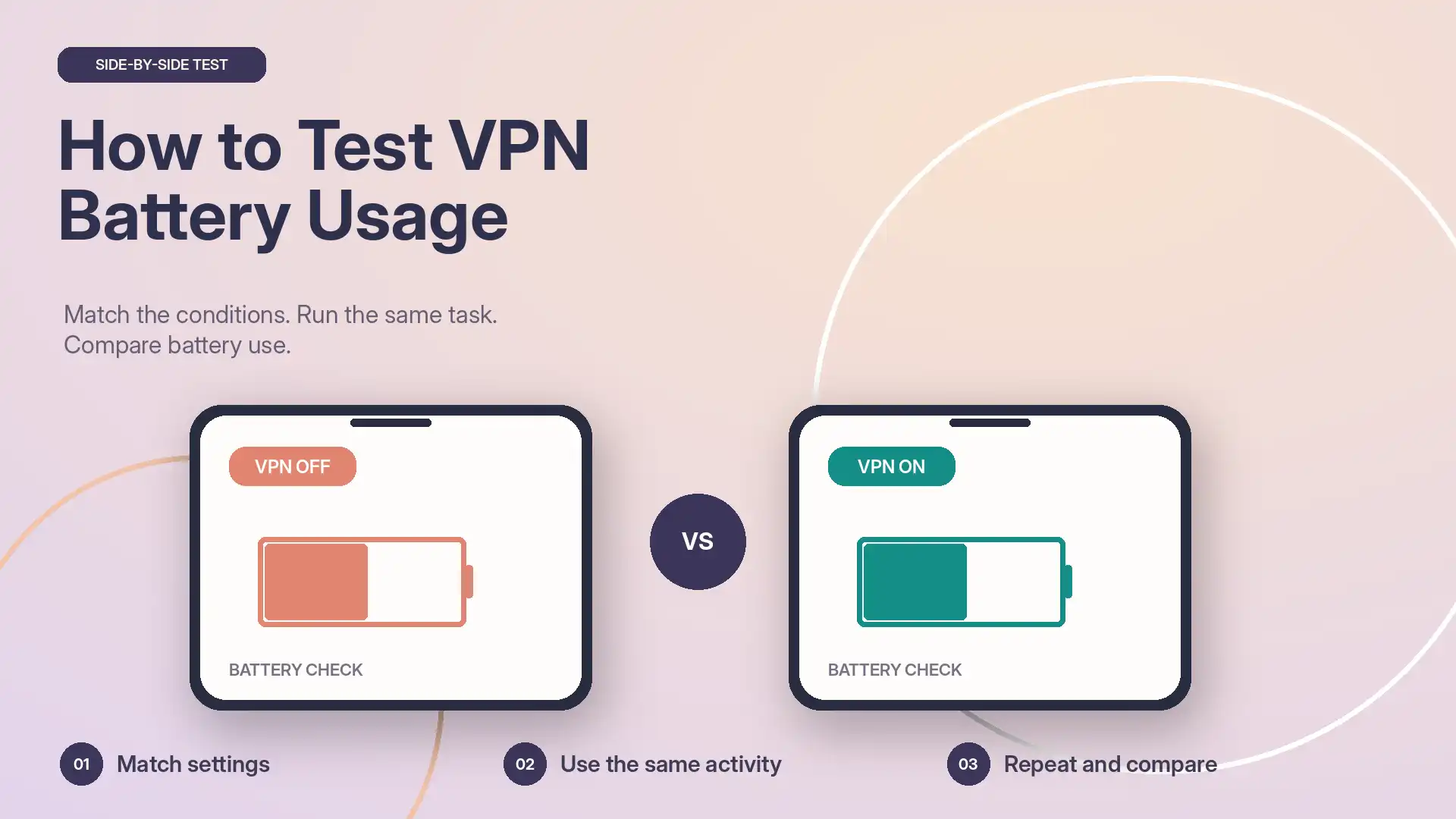
You can run a simple comparison without specialist equipment:
Charge your phone to approximately the same starting level for each test.
Keep brightness, network, location, and background apps as consistent as possible.
Use the same activity, such as browsing or streaming, for a fixed period with the VPN off.
Repeat the activity with the VPN on, using a stable server.
Compare battery consumed and any unusual app or system activity.
Repeat on another day to reduce the effect of random variation.
Avoid drawing conclusions from one short test. Temperature, incoming notifications, signal fluctuations, and battery-percentage rounding can distort results. This is not a laboratory test.
Should You Leave Your VPN On All the Time?
For many people, keeping a VPN connected is convenient, particularly on unfamiliar networks. It helps protect supported traffic between the phone and the VPN server and masks the usual public IP address from websites reached through the tunnel.
But leaving it on is a personal decision. If you need maximum battery life during an emergency, disabling nonessential network activity may help. If you disconnect the VPN, remember that its additional tunnel protection no longer applies.
A VPN also cannot replace HTTPS, strong passwords, device updates, or protection against phishing.
How SyncVPN Fits Into Mobile Battery Management
SyncVPN supports modern VPN protocols, including WireGuard and OpenVPN, so users can choose an available configuration that works for their device and network.
If power usage is a concern, start with WireGuard, select a stable server, and compare battery performance during normal use. Results vary by phone and connection; SyncVPN does not guarantee a specific battery reduction.
For more detail, read SyncVPN's VPN protocol comparison and guide to split tunneling.
Explore SyncVPN plans to find a configuration suited to your devices.
Frequently Asked Questions
Does a VPN drain your battery when you're not using your phone?
It can. Background apps may continue using network connections, and the VPN may maintain its tunnel. Actual idle power usage depends on the phone, protocol, and network conditions.
Does WireGuard use less battery than OpenVPN?
WireGuard's lightweight architecture can make it efficient, but no protocol is guaranteed to win every battery test. Compare the options available on your phone.
Is VPN battery drain worse on 5G?
Not automatically. Reception quality, the phone's modem, network behavior, and data activity matter. Poor cellular coverage can increase consumption regardless of whether a VPN is active.
Does turning off a VPN improve battery life?
It may reduce some background processing and connection overhead. The benefit could be small, so compare real usage before making a permanent change.
Can a VPN damage your phone battery?
Normal VPN use does not inherently damage a battery. Battery aging is primarily influenced by factors such as charging cycles, heat, and time.
Final Thoughts
A VPN can drain some extra battery, but it is rarely the only factor worth investigating. Start with your phone's battery report, test a stable server and efficient protocol, and pay attention to signal strength and background activity.
You shouldn't have to choose blindly between privacy and battery life. Measure your own results, adjust your settings, and use a reliable VPN when its protection is useful.