When you connect to a VPN, your internet traffic takes a different route. Instead of communicating directly with websites through your usual network path, supported traffic first travels through an encrypted connection to a VPN server.
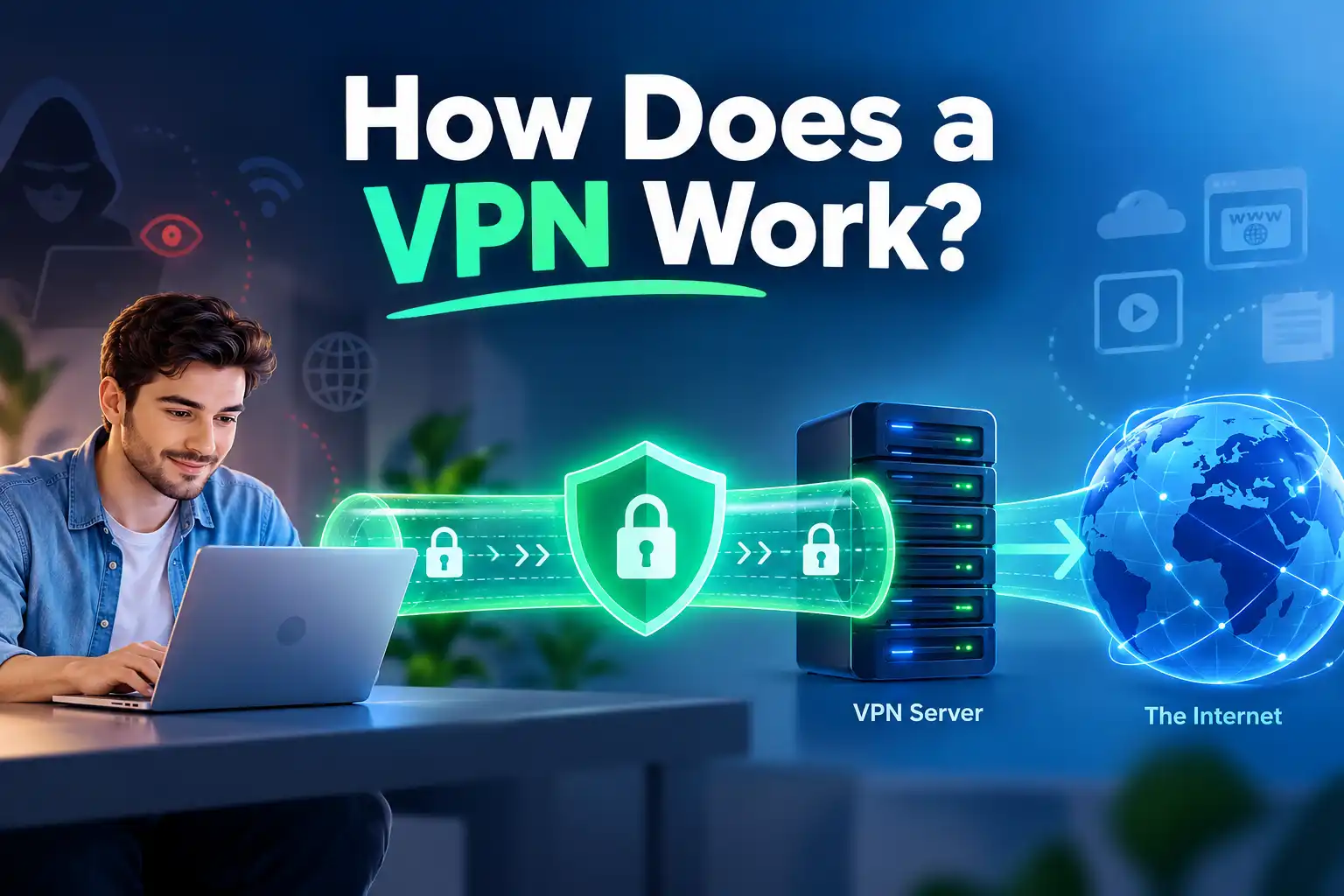
In simple terms, a VPN works by establishing a secure tunnel between your device and a VPN server. The server forwards your requests, so websites generally see its public IP address rather than your regular one. The tunnel also reduces what your internet service provider (ISP) or local Wi-Fi operator can observe about the traffic inside it.
A VPN does not make you invisible or replace website security. Here's what happens when you press Connect.
What Is a VPN and What Does It Do?
A virtual private network (VPN) is technology that creates a protected connection over another network, such as the public internet. Consumer VPN services typically route your traffic through a provider-operated server.
The essentials are a VPN application, a VPN protocol, and a VPN server.
Not every application necessarily uses the tunnel.
How Does a VPN Work Step by Step?
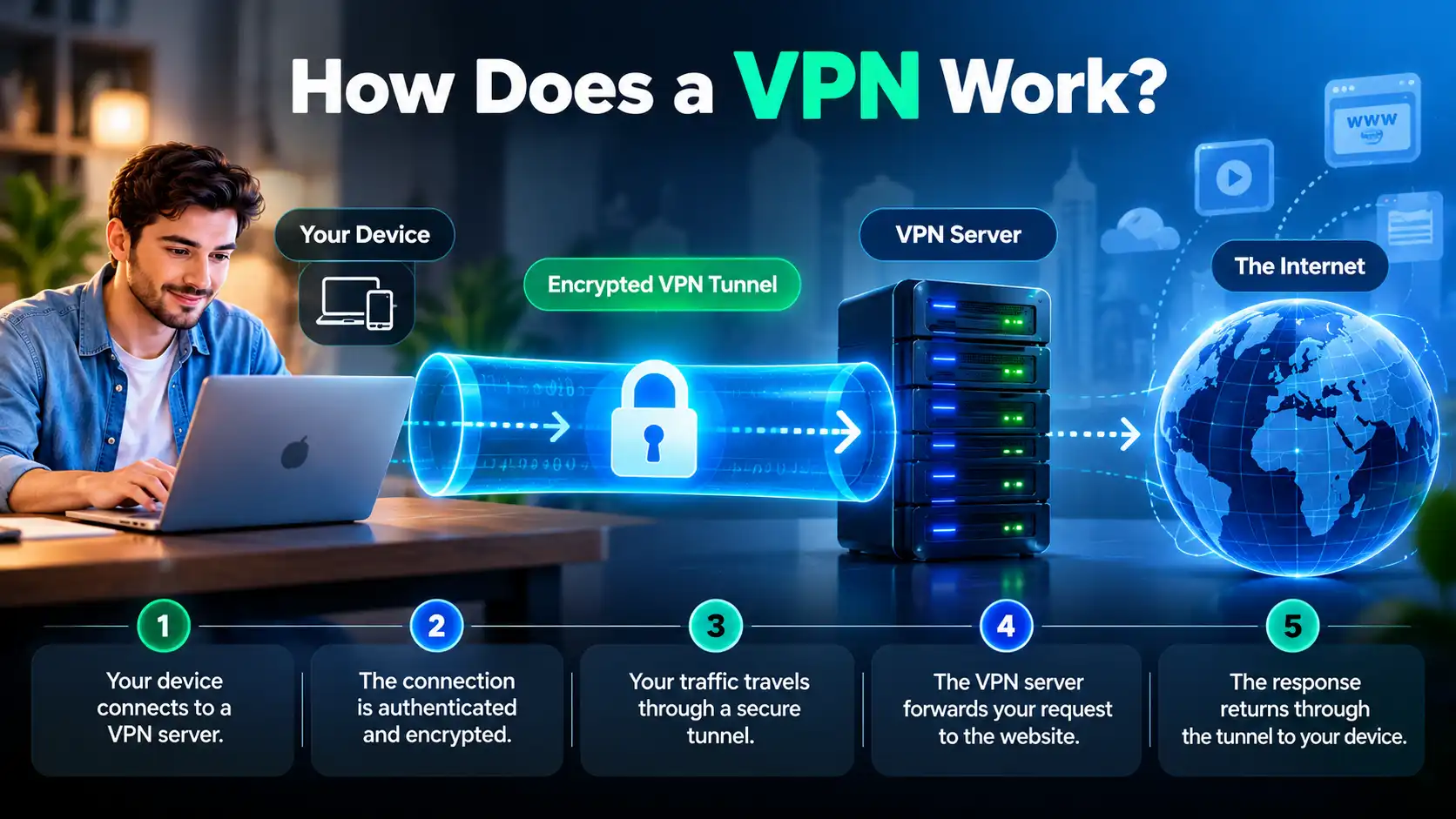
Let's follow a request from your browser to a website and back.
Step 1: Your Device Contacts a VPN Server
You open the VPN application, choose an available server, and start the connection. Your device reaches that server using your existing internet access, whether it comes from home Wi-Fi, mobile data, or a public hotspot.
Your ISP still carries the connection but cannot directly inspect properly tunneled traffic.
Step 2: The Connection Is Authenticated
The VPN client and server perform the protocol's required authentication and handshake. This process helps establish that the endpoints are authorized to communicate and creates or agrees on cryptographic keys.
The process varies between protocols such as WireGuard and OpenVPN.
Step 3: An Encrypted Tunnel Is Established
Once the secure connection is ready, the VPN software encrypts packets selected for VPN routing and packages them for transport to the server.
People call this protected path a VPN tunnel. The local network can see the VPN server connection but not directly read tunneled traffic.
Step 4: The VPN Server Forwards Your Request
Suppose you open a website. Your device sends the relevant traffic through the tunnel. The VPN server receives it, removes the VPN layer, and forwards the request toward its destination.
For this tunneled connection, the website generally sees the VPN server's public IP address. Your home IP is generally hidden from that website.
Step 5: The Response Returns to Your Device
The website sends its response to the VPN server. The server forwards the response through the protected tunnel, and your device decrypts the VPN layer so your browser can display the page.
The process repeats for other tunneled requests.
How Does VPN Encryption Work?
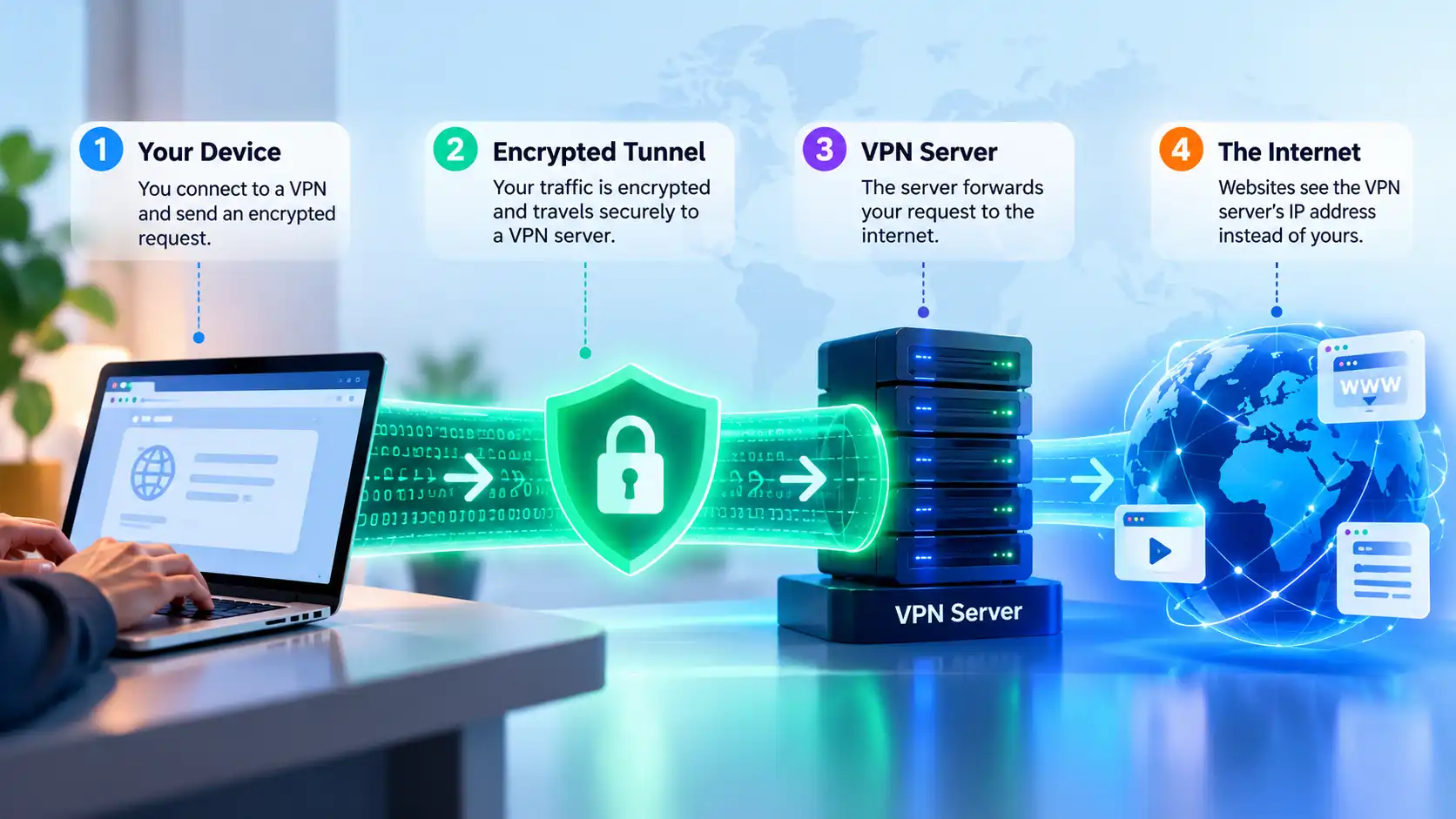
Encryption transforms readable information into data that cannot be meaningfully interpreted without the appropriate key. VPN protocols use cryptographic mechanisms to protect the traffic traveling between your device and the VPN server.
This does not mean that the VPN encrypts every part of the journey from the VPN server to the final website. Once traffic exits the VPN tunnel, its protection depends on the destination connection. Properly implemented HTTPS continues protecting website content across that remaining path.
Encryption also requires processing resources.
What Is a VPN Tunnel?
A VPN tunnel is not a separate physical cable. It is a logical connection that carries selected network packets inside a protected transport between two endpoints.
The tunnel helps prevent observers between your device and the VPN server from directly reading its contents. However, they may still see metadata such as the VPN server's address, connection timing, and transferred data volume.
The tunnel protects one section of the journey, not every interaction online.
How Does a VPN Server Hide Your IP Address?
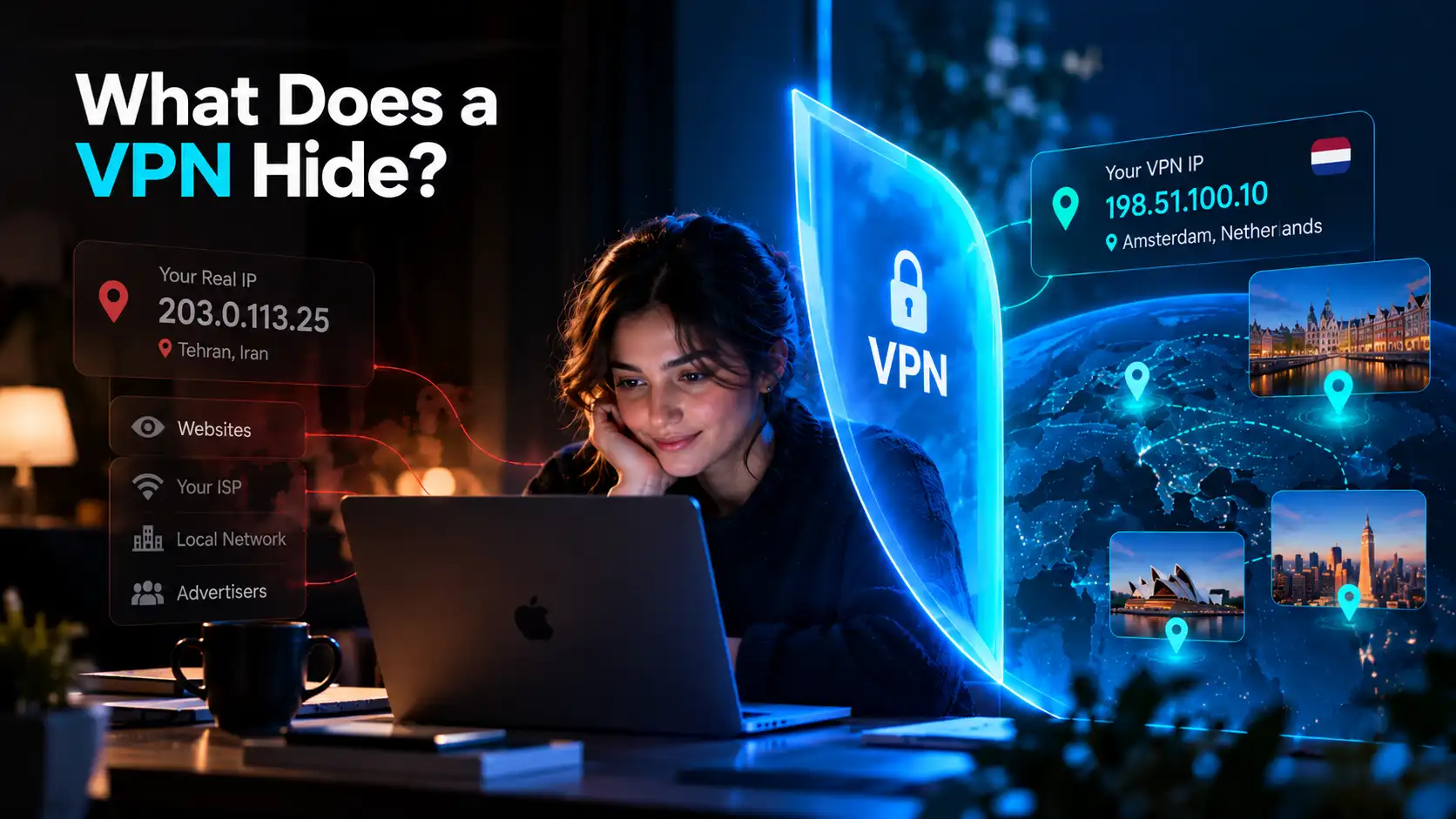
When you access a website directly, the website generally sees your network's public IP address. When your request goes through a VPN server, it usually sees that server's public IP instead.
Your original IP remains assigned to your underlying connection. The VPN changes the address visible to tunneled destinations, not necessarily the one assigned by your ISP.
What Happens to DNS Requests?
DNS translates domain names into IP addresses so your device can find websites. DNS requests can reveal which domains a device is trying to reach.
A VPN may direct DNS requests through the tunnel to a resolver selected by the VPN service. However, DNS behavior depends on the app, browser, operating system, and configuration. Some browsers use their own encrypted DNS settings, and misconfigured requests may bypass the intended tunnel.
A DNS leak reveals an unintended DNS route, not necessarily your public IP to a website.
VPN vs. HTTPS: What's the Difference?
VPN encryption and HTTPS solve related but different problems.
Protection | VPN | HTTPS |
|---|---|---|
Protected connection | Device to VPN server | Browser or app to website or service |
Main purpose | Protect tunneled traffic from local observers and change its exit route | Protect communication with the destination service |
What the website sees | Usually the VPN server's public IP | The connecting public IP, whether VPN or regular |
Protects against phishing | Not automatically | Not automatically |
A properly secured HTTPS website protects the contents of your session even without a VPN. Using both can provide complementary protection: HTTPS for the website connection and the VPN for the path to its server.
Who Can See Your Activity With a VPN?
The answer depends on who is observing and whether the traffic actually enters the tunnel.
Observer | What may remain visible |
|---|---|
ISP or public Wi-Fi operator | VPN server address, connection timing, data volume |
Website or app | VPN exit IP, your actions on that service, account and cookie identifiers |
VPN provider | Information necessary to operate the connection and potentially destination metadata, depending on its design and policies |
Someone managing your device | Activity collected through device management or installed monitoring software |
A VPN shifts some trust from your ISP to the VPN provider; it does not erase logins or cookies.
How Do VPN Protocols Affect the Connection?
A VPN protocol defines how the secure tunnel is negotiated and how its traffic is transported.
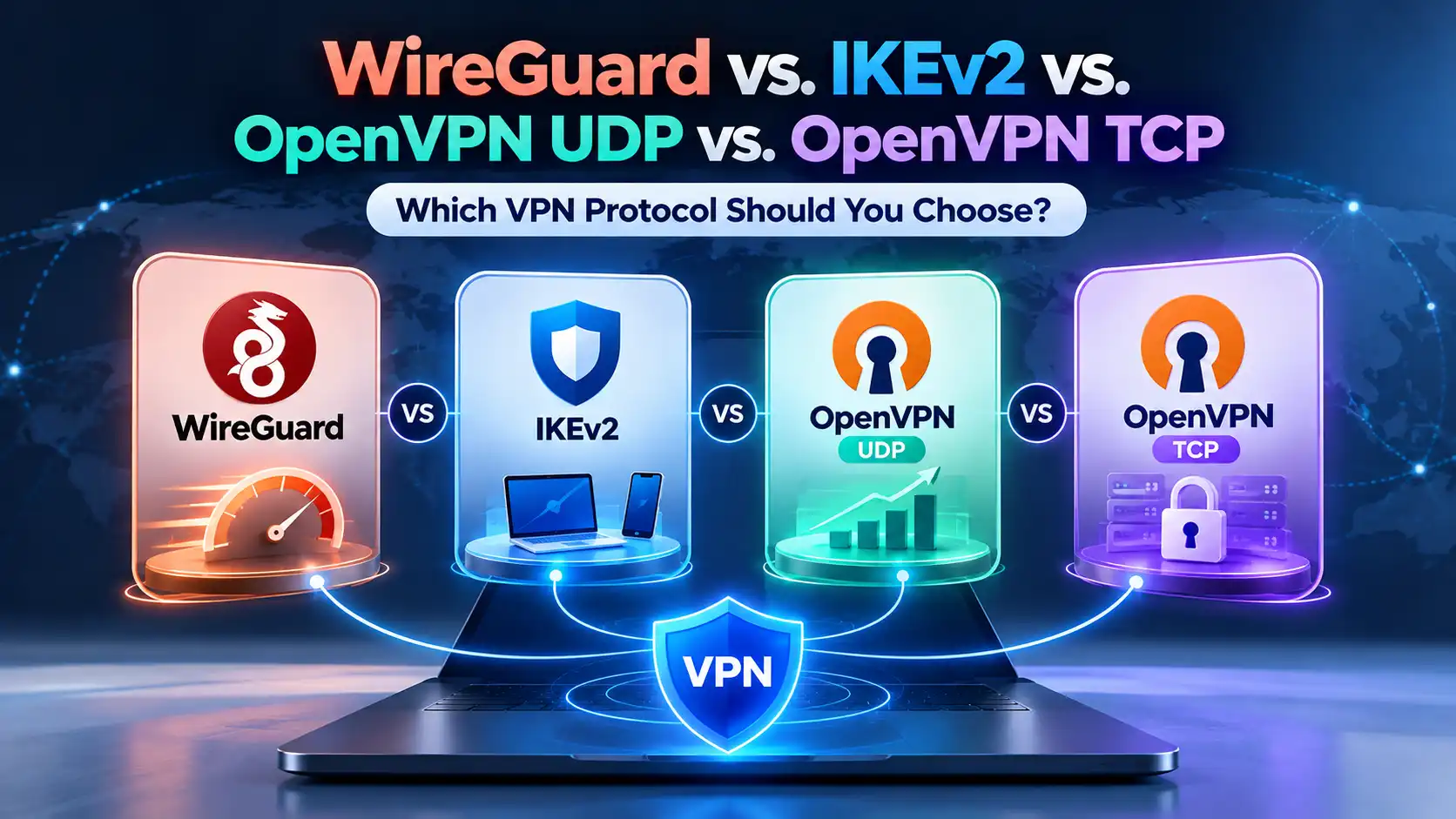
WireGuard is designed for efficiency and uses modern cryptographic components. OpenVPN UDP is a mature alternative that often provides good performance. OpenVPN TCP may help on networks that restrict UDP, although TCP transport can add overhead.
Performance varies with server distance, congestion, and device capabilities. See the SyncVPN protocol comparison for more detail.
What Happens When a VPN Disconnects?
If the tunnel drops, your device may resume sending traffic through its regular network connection. This can reveal your ordinary public IP address to services contacted after the disconnection.
A Kill Switch, when available and correctly enabled, is designed to block affected traffic while the required VPN connection is unavailable. Its behavior depends on the application, platform, and configuration; it may not cover every startup or shutdown situation.
Auto-reconnect tries to restore the VPN but does not itself guarantee traffic blocking.
Does a VPN Protect All Your Internet Traffic?
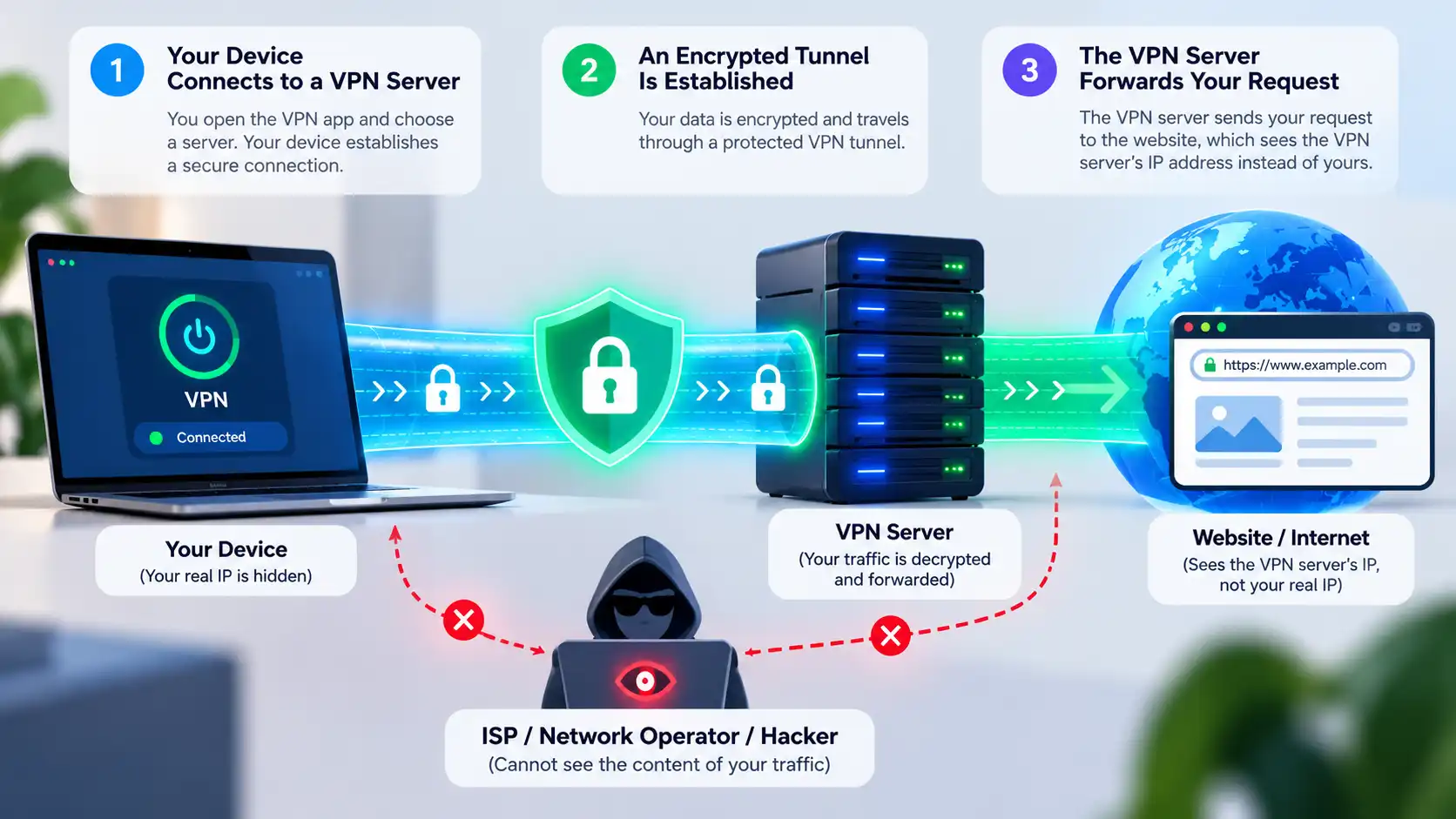
Not necessarily. Split Tunneling can deliberately route selected applications or destinations outside the VPN. Some traffic may also follow different paths because of platform behavior or configuration problems.
A VPN does not prevent phishing, malware, account tracking, or permission-based location access. Keep using strong authentication and updates.
How to Check If Your VPN Is Working
Check your public IP address before connecting.
Connect to a VPN server and wait for the app to confirm the connection.
Check the public IP again. For traffic using the tunnel, it should generally show the VPN exit address rather than your original one.
If appropriate, review DNS and WebRTC tests and check whether Split Tunneling excludes the application you're testing.
One browser IP check cannot prove complete protection or anonymity.
How Does SyncVPN Work?
With SyncVPN, you select an available server and connect using the application's supported protocol settings. The interface described in SyncVPN's existing guides includes Smart, WireGuard, OpenVPN UDP, and OpenVPN TCP options; availability can vary by platform and version.
After connecting, you can compare your visible public IP address to confirm the route used by your browser. If you use Kill Switch or Split Tunneling, review how those settings affect disconnections and excluded traffic.
For device-specific steps, use the SyncVPN Support Center.
Frequently Asked Questions
Does a VPN Encrypt Everything?
A VPN encrypts traffic that uses its tunnel between your device and its server. It does not guarantee that every app is included or replace encryption used by websites.
Can My ISP See That I Am Using a VPN?
Generally, yes. Your ISP can usually see a connection to the VPN server, along with timing and data volume, but not the destinations carried inside a properly functioning tunnel.
Does a VPN Hide My Browsing History?
It can reduce your ISP's visibility into tunneled destinations. It does not delete browsing history saved on your device or searches linked to an account.
Does a VPN Make Me Anonymous?
No. Websites may still recognize logins, cookies, browser fingerprints, and information you provide.
Does a VPN Slow Down the Internet?
It can. Encryption, server distance, and routing may introduce overhead. The effect varies by network and protocol and may sometimes be small.
Can I Use a VPN on Public Wi-Fi?
Yes. A VPN can reduce what the local network sees about your tunneled traffic. Continue using HTTPS and avoid suspicious login pages or downloads.
Final Thoughts
A VPN works by creating an encrypted route from your device to a VPN server, which forwards requests and generally substitutes its public IP address for yours at the destination.
Knowing where the tunnel starts and ends and which information remains visible helps you use SyncVPN with realistic privacy expectations.