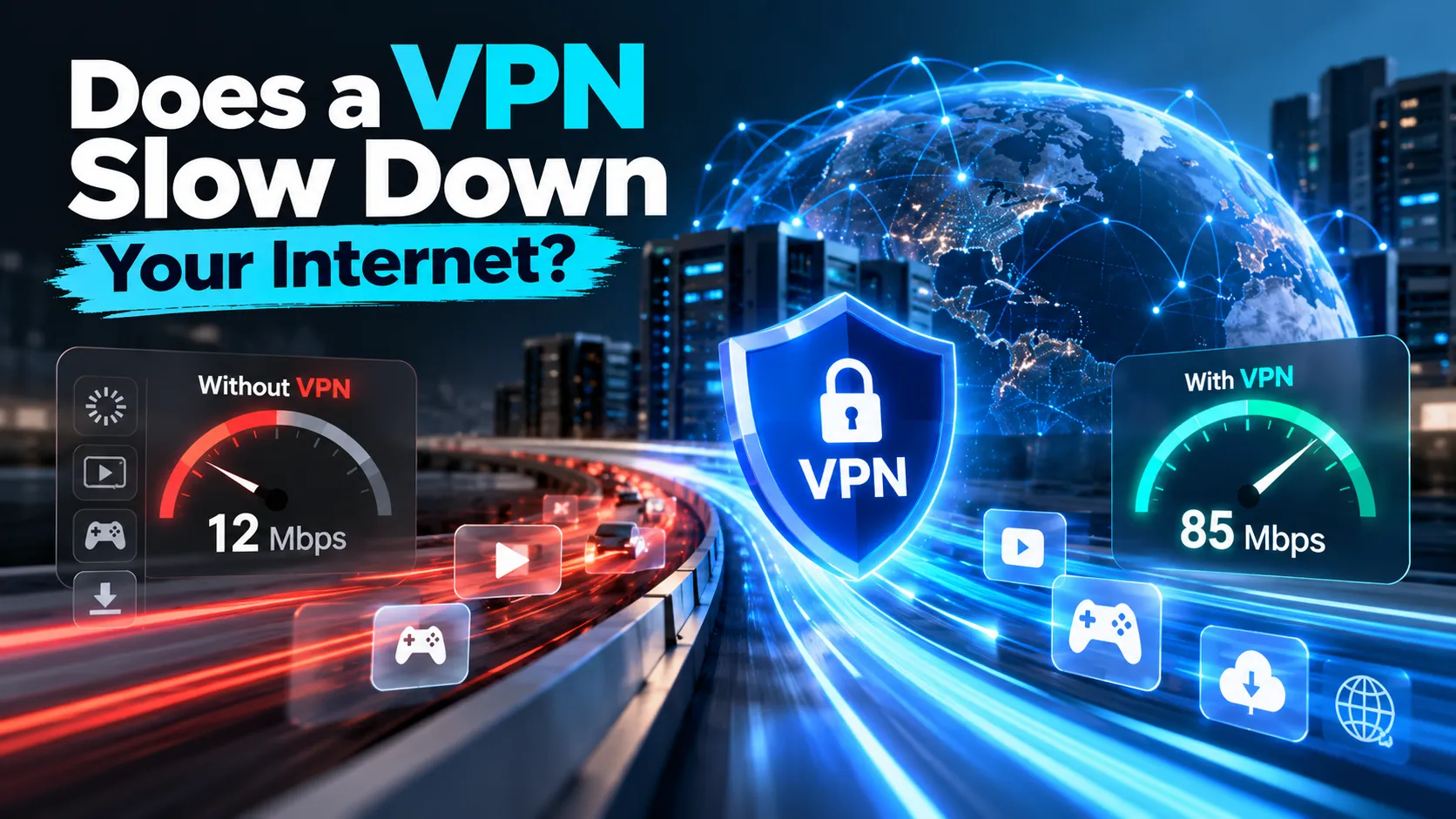
You've connected to your VPN, opened your browser, and noticed that websites seem slower than usual. Maybe videos take longer to load, downloads feel sluggish, or your online game suddenly has higher ping.
Naturally, you might wonder: Does a VPN slow down your internet?
The short answer is yes, a VPN can reduce your internet speed because it encrypts your traffic and routes it through an additional server. However, the slowdown isn't always noticeable, and its size depends on your network, VPN protocol, server location, and device.
Sometimes, a VPN connection can even perform better than your regular connection if it avoids an inefficient network route or certain types of traffic-based throttling.
In this guide, we'll explain why VPNs affect speed, what kind of slowdown is normal, how to measure performance accurately, and how to improve your connection without giving up unnecessary privacy protection.
Why Does a VPN Slow Down Your Internet?
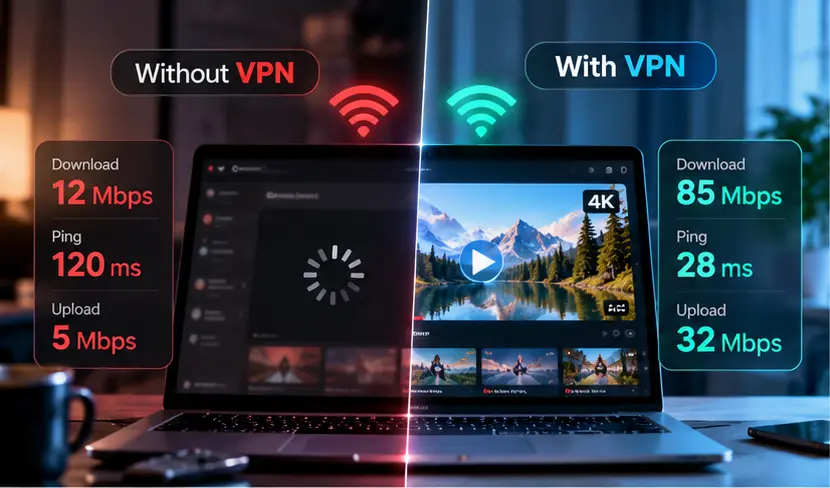
A VPN creates an encrypted connection between your device and a VPN server.
Normally, your internet traffic travels through your internet service provider (ISP) toward its destination.
With a VPN, supported traffic first travels through an encrypted tunnel to the VPN server before continuing to the destination.
This additional routing can affect performance.
However, VPN speed depends on several factors, and encryption isn't always the biggest one.
1. Distance to the VPN Server
One of the most important factors is the distance between your device and the VPN server.
Imagine you're in New York and want to visit a website hosted nearby.
Without a VPN, your traffic may take a relatively short route.
If you connect to a VPN server in another continent, your traffic must travel to that server before reaching the website.
The longer route can increase latency and sometimes reduce transfer speeds.
What to do: Choose a nearby VPN server when you don't need a specific location. Geographic proximity doesn't guarantee the fastest route, but it's a useful starting point.
2. VPN Server Congestion
VPN servers have finite processing resources and network capacity.
When demand exceeds the available capacity, users may experience slower downloads, delayed responses, or unstable performance.
Server congestion can change throughout the day.
A server that works well in the morning may perform differently during a busy evening.
What to do: Try another available server in the same region before assuming that your internet connection is the problem.
3. VPN Protocol
A VPN protocol determines how your encrypted connection is established and how traffic is transported.
Different protocols have different performance characteristics.
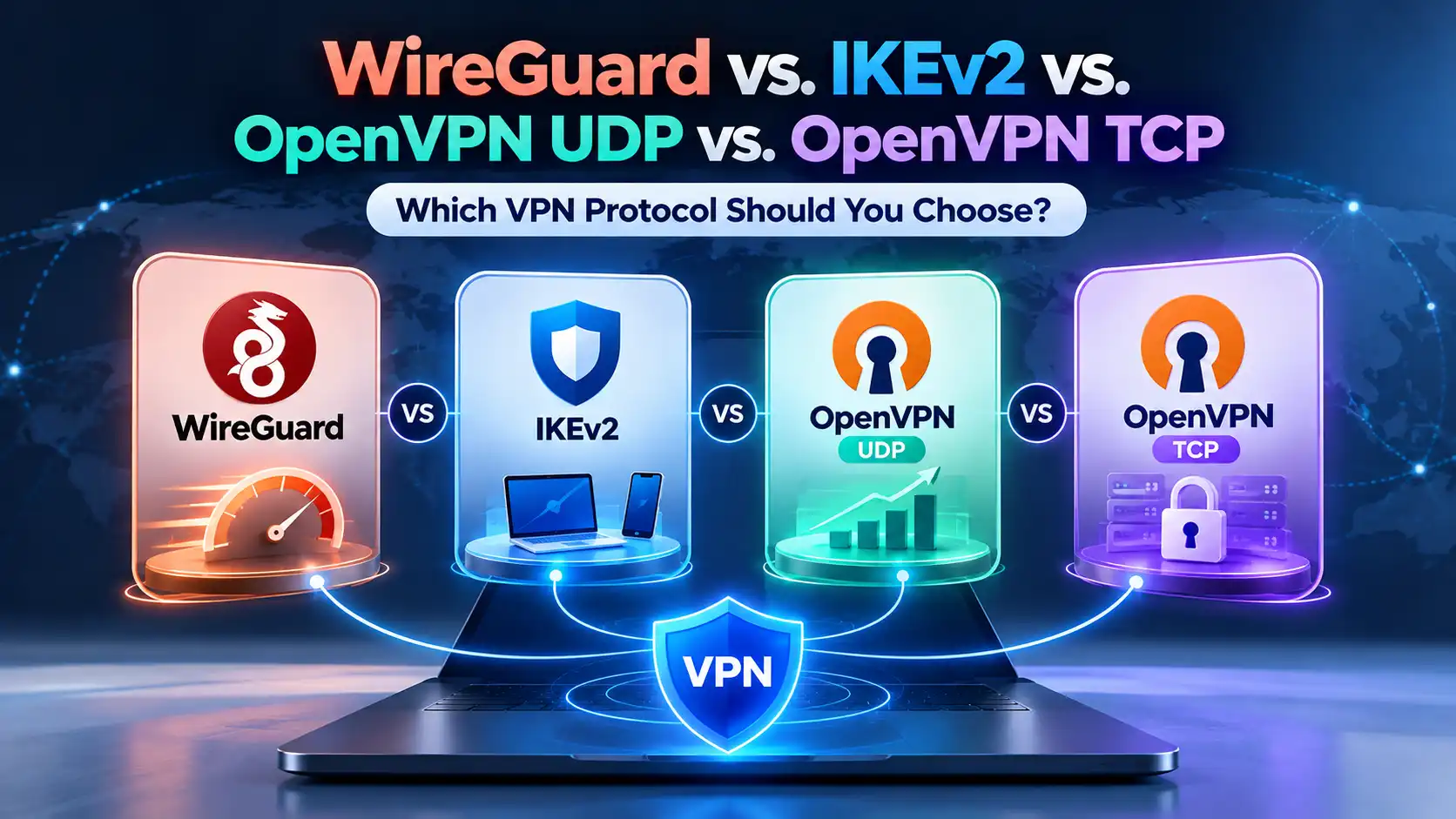
WireGuard is designed to be lightweight and efficient, making it a strong starting point for users who prioritize speed.
OpenVPN UDP can also deliver good performance, although results depend on the implementation and network.
OpenVPN TCP introduces additional transport mechanisms that can create more overhead, particularly when carrying applications that already use TCP.
What to do: Compare supported protocols under similar conditions. The fastest protocol on one network may not perform best on another.
4. Encryption and Processing Overhead
Encryption helps protect data traveling between your device and the VPN server.
Encrypting and decrypting traffic requires processing resources. The VPN tunnel also adds some packet overhead.
Modern devices generally handle these operations efficiently, but older hardware or resource-limited routers may struggle at higher connection speeds.
What to do: Keep your device and VPN application updated. If you run a VPN directly on your router, consider whether its processing capability is limiting throughput.
5. Your Original Internet Connection
A VPN cannot create bandwidth that your underlying connection doesn't have.
If your Wi-Fi signal is weak, your mobile connection is congested, or your ISP is experiencing problems, VPN performance may also suffer.
A slow connection without a VPN is an important clue.
What to do: Measure your internet speed with the VPN disconnected before investigating VPN-specific issues.
6. Network Routing and Restrictions
Internet traffic doesn't always follow the shortest physical route.
Your ISP, intermediate networks, and VPN provider may use different routes to reach the same destination.
Some public or managed networks also restrict particular kinds of VPN traffic.
These factors can affect both connection speed and reliability.
What to do: Compare servers and supported protocols, especially if your connection performs poorly only on a particular network.
How Much Does a VPN Slow Down Your Internet?
There is no universal percentage that describes VPN speed loss.
Some connections experience only a small difference. Others may slow down significantly, particularly when using distant servers, congested networks, or unsuitable protocols.
For example, suppose your connection delivers 100 Mbps without a VPN and 85 Mbps with one.
Your download speed has decreased by 15 Mbps, representing a 15% reduction.
This is a hypothetical example, not a guaranteed or expected result for SyncVPN or any other provider.
A percentage alone also doesn't tell the whole story.
A small reduction in download speed might barely affect browsing, while a modest increase in latency could matter during competitive gaming.
The most useful question isn't simply how much speed you've lost, but whether the connection still performs well for your activities.
Download Speed, Upload Speed, and Ping: What Matters Most?
Internet performance involves more than one measurement.
Metric | What it measures | Where it matters |
|---|---|---|
Download speed | How quickly your device receives data | Streaming, browsing, downloads |
Upload speed | How quickly your device sends data | Video calls, file uploads, cloud backups |
Ping or latency | The delay between sending and receiving a response | Gaming, calls, interactive applications |
Jitter | Variation in network delay | Real-time audio and video |
Packet loss | Data packets that fail to reach their destination | Calls, gaming, connection quality |
A VPN may affect these measurements differently.
For example, your download speed could remain relatively high while latency increases because your traffic takes a longer route.
That's why an internet connection can look fast in a speed test but still feel less responsive in certain applications.
How to Test Your Internet Speed With and Without a VPN

The best way to understand VPN performance is to compare it against your normal connection.
Follow these steps for a more useful result.
Step 1: Measure Your Baseline Speed
Disconnect your VPN and open a reputable speed-testing service.
Record your download speed, upload speed, and ping.
Close unnecessary downloads, cloud backups, and other bandwidth-heavy applications beforehand.
If possible, run the test several times rather than relying on one result.
Step 2: Connect to a Nearby VPN Server
Open your VPN application and connect to a server near your location.
Wait until the application confirms that the connection is established.
Use the same device and network connection as the baseline test.
Step 3: Repeat the Speed Test
Run the test again.
For a fair comparison, select the same test endpoint where possible. Automatic test-server selection can change after you connect to a VPN.
Record the new results and repeat the test a few times.
Step 4: Calculate the Difference
Use the following formula:
Speed loss (%) = [(Speed without VPN − Speed with VPN) ÷ Speed without VPN] × 100
For example:
Without VPN: 100 Mbps
With VPN: 85 Mbps
Speed loss: 15%
Apply the calculation separately to download and upload speeds if needed.
For latency, compare the change in milliseconds instead of treating a percentage as the only useful measure.
Step 5: Test Another Server or Protocol
Try another nearby server and repeat the measurements.
If your application supports multiple protocols, test them under similar conditions.
Compare repeated results rather than choosing a configuration based on one unusually fast or slow test.
How to Make Your VPN Connection Faster

If your VPN connection feels unnecessarily slow, several practical adjustments may help.
1. Connect to a Closer Server
Start with a VPN server located near your physical location.
A shorter route often reduces latency and can improve performance.
If the nearest server performs poorly, try another available location nearby.
Server quality and actual network routing matter as much as distance.
2. Try a Different VPN Protocol
Protocol selection can make a noticeable difference.
WireGuard is generally a sensible starting point for performance-focused connections.
OpenVPN UDP is another established option.
If UDP traffic is restricted, OpenVPN TCP may help establish a usable connection, although it often introduces more overhead.
Avoid assuming that TCP is always faster or more stable simply because it retransmits lost packets.
3. Check Your Wi-Fi Connection
A weak wireless signal can cause inconsistent speeds and packet loss.
Move closer to your router, reduce interference, or test a wired Ethernet connection if your device supports one.
Comparing Wi-Fi and Ethernet performance can help determine whether the bottleneck is your local network.
4. Close Bandwidth-Heavy Applications
Cloud synchronization, software updates, streaming, and large downloads can compete for bandwidth.
Close unnecessary background applications and run your speed test again.
If performance improves, bandwidth competition may be contributing to the slowdown.
5. Restart and Update Your Devices
Restarting your VPN application or device can resolve some temporary software or networking problems.
Router restarts may also help when the local connection is behaving abnormally.
Keep your operating system, router firmware, and VPN application updated.
Do not disable your firewall or antivirus protection simply to improve speed.
6. Review Split Tunneling
Split Tunneling lets selected applications or traffic use the VPN while other traffic follows the regular internet connection.
When supported and configured appropriately, it may improve compatibility or performance for applications that don't need VPN routing.
However, traffic excluded from the VPN no longer receives protection from that VPN tunnel.
Only make exceptions when you understand the privacy implications.
7. Test at Different Times
If your connection is fast during the day but slow in the evening, congestion may be involved.
Run comparable tests at different times.
This can help identify patterns related to your local ISP, wireless network, or VPN server.
Can a VPN Actually Increase Your Internet Speed?
Sometimes, but it's an exception rather than the normal outcome.
An ISP may apply traffic-based restrictions to certain services or activities. Because a VPN encrypts traffic inside its tunnel, it can make some forms of activity-specific throttling more difficult.
In those circumstances, using a VPN might improve performance.
A VPN may also occasionally provide a better route to a particular destination.
However, a VPN cannot remove the speed limit of your internet plan, fix poor Wi-Fi coverage, or guarantee that every service will load faster.
If your speeds improve with a VPN, repeat the comparison before concluding that ISP throttling is responsible. Differences in routing, congestion, and test endpoints can produce similar results.
Does a VPN Slow Down Streaming, Gaming, or Video Calls?
The impact depends on the activity.
Streaming: Consistent download throughput matters more than achieving the highest possible speed-test result. A distant or congested server may cause buffering, but a well-performing VPN connection may support smooth streaming.
Gaming: Latency, jitter, and packet loss are especially important. A VPN may increase ping because traffic passes through an additional server. In unusual routing conditions, it might reduce latency, but that isn't guaranteed.
Video calls: Both upload and download performance matter. An unstable connection or high packet loss can cause frozen video, audio interruptions, and delays even when measured download speeds appear sufficient.
For each activity, test the application itself rather than relying exclusively on a general speed-test score.
Why Is My VPN Suddenly So Slow?
If your connection was previously fast and becomes noticeably slower, investigate what changed.
Symptom | Possible cause | What to try |
|---|---|---|
Only one VPN server is slow | Server congestion or routing | Change server |
All connections are slow, even without VPN | ISP or local network problem | Test Wi-Fi, router, and ISP connection |
Speed drops on distant servers | Longer network route | Choose a closer server |
Browsing works but gaming lags | High latency or jitter | Compare ping and nearby servers |
VPN is slow only on Wi-Fi | Interference or weak signal | Test Ethernet or improve Wi-Fi |
VPN becomes slow at particular times | Network congestion | Repeat tests at different hours |
One protocol is consistently slower | Protocol overhead or restrictions | Try another supported protocol |
If these steps don't help, record your test results, operating system, approximate connection times, and the servers or protocols you've already tried.
This information can help support teams investigate more efficiently.
How to Improve VPN Speed with SyncVPN
If you're experiencing slower-than-expected speeds while using SyncVPN, begin by checking your normal internet connection.
Then try another available SyncVPN server.
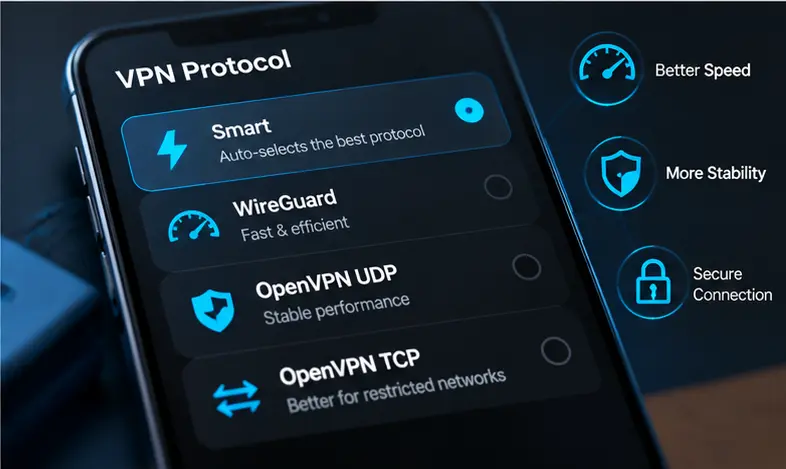
The SyncVPN protocol interface also includes Smart, which is designed to select a protocol automatically.
For manual selection, the documented options include:
WireGuard: A strong starting point for efficient everyday performance.
OpenVPN UDP: A useful alternative with established security and broad compatibility.
OpenVPN TCP: Worth testing when UDP connections are restricted or cannot establish a reliable connection.
Actual results vary by device and network, so test the available options rather than assuming one will always be fastest.
If you use Split Tunneling, review which applications are routed through the VPN. If you use Kill Switch, remember that it may intentionally block traffic when the VPN disconnects; this is different from an ordinary reduction in connection speed.
For detailed troubleshooting, consult How to Fix Slow VPN Speeds in the SyncVPN Support Center.
Frequently Asked Questions
Does a VPN Always Slow Down Your Internet?
Not always. VPNs introduce additional routing and processing, which can reduce performance. However, the difference may be small, and certain routing or throttling conditions can occasionally make a VPN connection faster.
How Much Speed Should I Lose When Using a VPN?
There is no guaranteed percentage. Speed loss varies with server location, network conditions, protocol, hardware, and server capacity. Compare repeated tests with and without the VPN to understand your own connection.
Is WireGuard Faster Than OpenVPN?
WireGuard often performs well because of its efficient design. However, actual performance depends on your device, server, and network. OpenVPN UDP can still be a practical alternative, especially where compatibility matters.
Does a VPN Increase Ping?
It can. Routing traffic through an additional server may increase latency. The impact is particularly noticeable when connecting to distant locations. Occasionally, improved routing may reduce ping to a particular destination.
Does a VPN Slow Down Internet on Mobile Devices?
A VPN can affect mobile connections just as it affects desktop connections. Cellular congestion, Wi-Fi signal quality, battery-related system behavior, and device performance can also influence the experience.
Does a VPN Slow Down Downloads?
It may reduce download throughput if the VPN route, server, or device becomes a bottleneck. Test the same download under comparable conditions to see whether the VPN is contributing to the slowdown.
Does a VPN Make Online Gaming Slower?
A VPN can add latency and may affect connection stability. For gaming, prioritize low ping, consistent routing, and minimal packet loss rather than download speed alone.
Why Is My Internet Fast Without a VPN but Slow With One?
Possible causes include a distant or congested VPN server, protocol differences, inefficient routing, or device processing limitations. Try another nearby server and compare supported protocols before making broader changes.
Final Thoughts
A VPN can slow down your internet because it adds encryption, packet processing, and an additional network route.
However, a slower speed-test result doesn't automatically mean your VPN connection is performing poorly.
The real goal is a connection that remains secure, reliable, and responsive for the activities that matter to you.
Start by measuring your normal internet speed, choose an appropriate server, compare supported protocols, and troubleshoot based on the symptoms you observe.
With the right configuration, you can often reduce unnecessary slowdowns while keeping the privacy benefits of your VPN connection.
For more help, explore the How to Fix Slow VPN Speeds guide in the SyncVPN Support Center.