What Is a VPN and Why Do You Need One?
A VPN, or virtual private network, is a service that creates an encrypted connection between your device and a VPN server. Traffic routed through that connection travels to the VPN server before reaching the wider internet. This helps protect your traffic from the local network, masks your normal public IP address from websites, and can make your connection more private.
A VPN is useful for protecting your connection on networks you do not fully trust, reducing what your internet service provider can see about your browsing destinations, and changing the IP-based location websites see.
But a VPN is not an invisibility tool. It does not make you completely anonymous, stop every form of tracking, or replace other security tools.
What Does VPN Stand For?
VPN stands for Virtual Private Network.
The name becomes easier to understand when you break it down:
Virtual means the connection is created through software rather than a dedicated physical network between you and the server.
Private refers to the protected connection created between your device and the VPN server.
Network describes the connection between devices and servers that allows data to move between them.
In practical terms, a consumer VPN gives your internet traffic a protected route through a remote server before it continues to websites and online services.
What Is a VPN?
A VPN is a privacy and networking tool that creates an encrypted connection between your device and a remote VPN server. It routes your internet traffic through that server, helping protect data in transit and replacing your normal public IP address with the VPN server's IP address for traffic that goes through the VPN.
Two important things happen when you connect:
Your traffic between your device and the VPN server is encrypted.
Websites generally see the public IP address of the VPN server instead of the public IP address normally assigned to your connection.
That combination is the foundation of most consumer VPN services.
How Does a VPN Work?
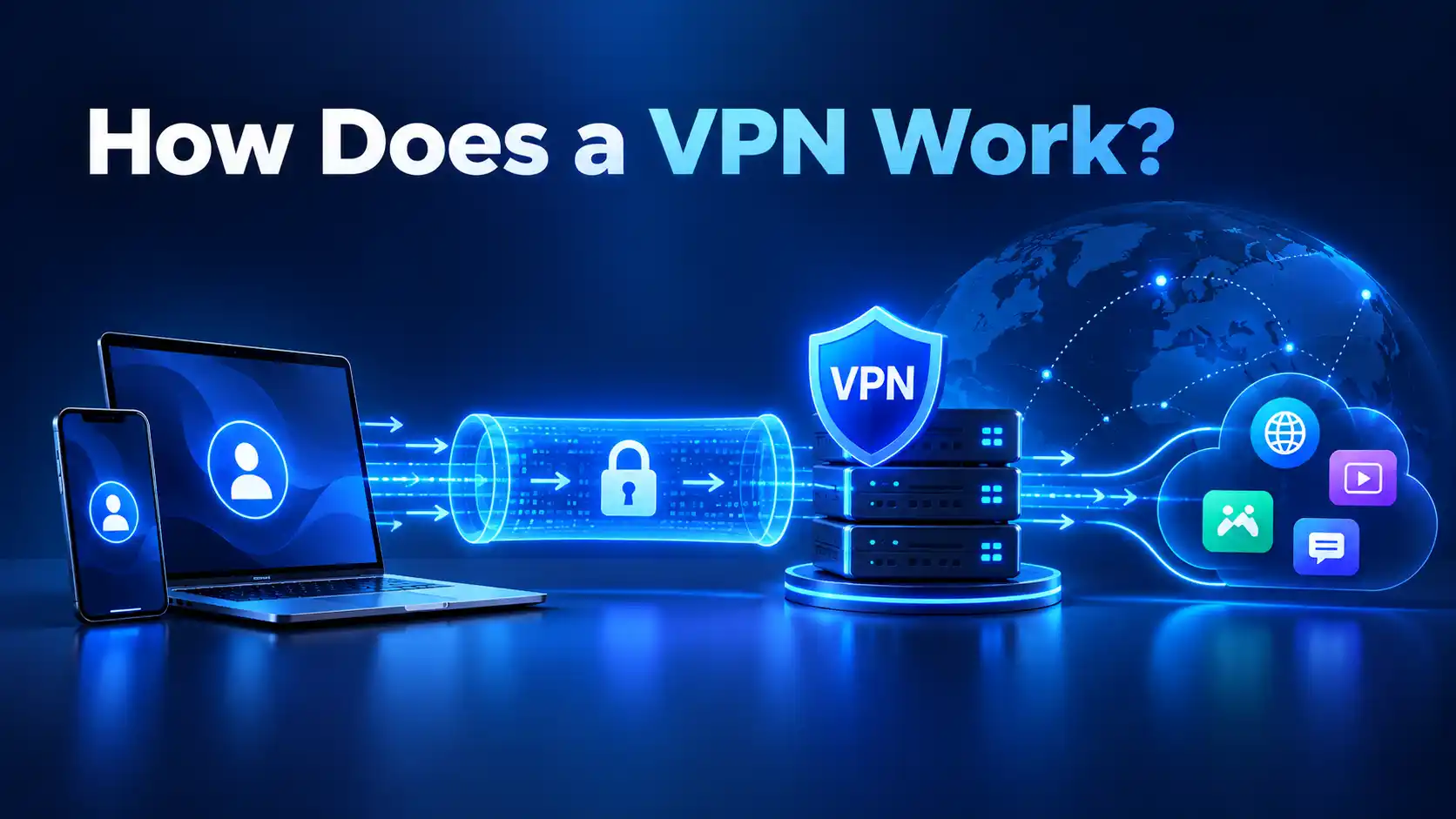
The basic path looks like this:
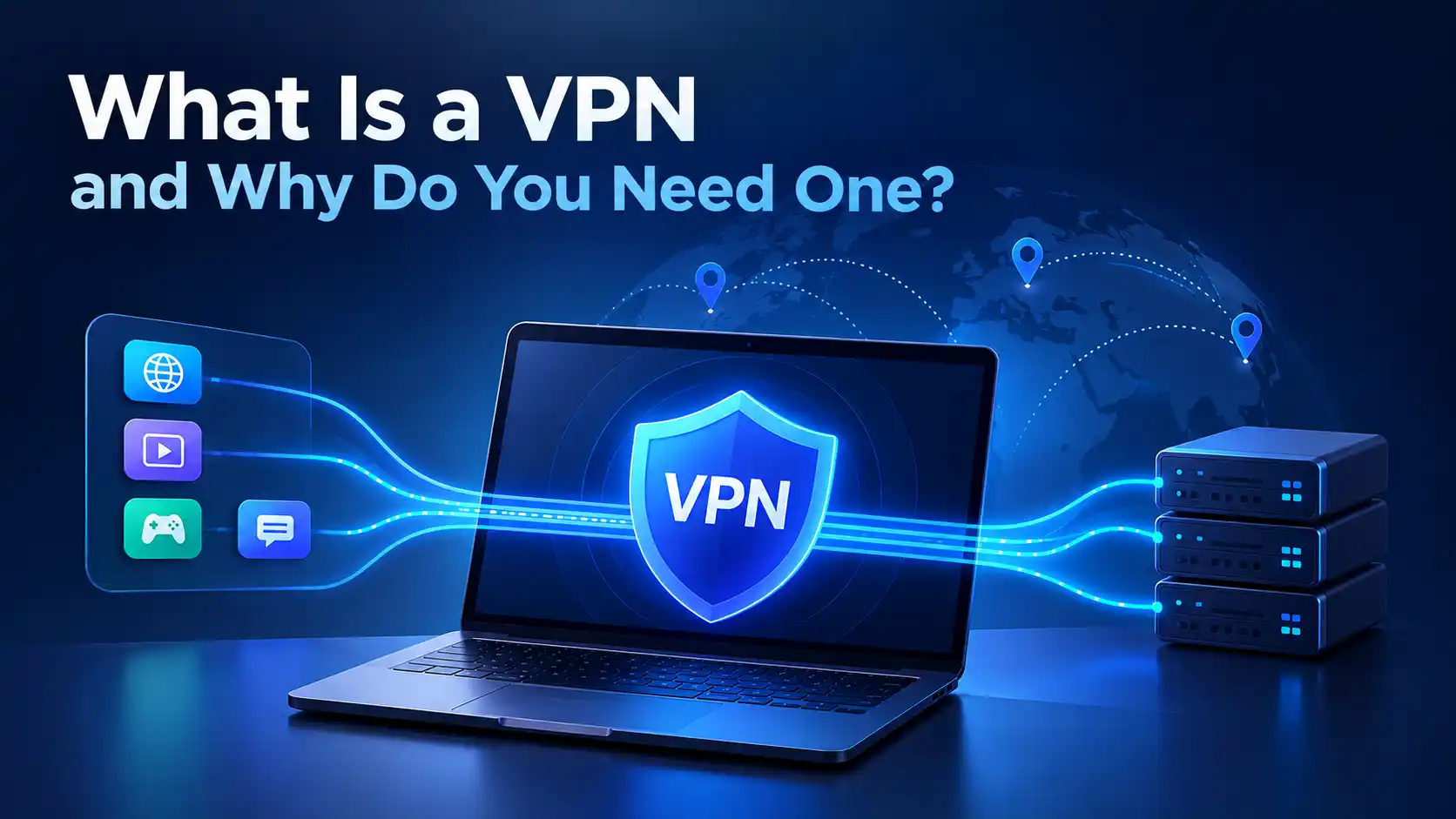
Your device → Encrypted VPN connection → VPN server → Internet
When you connect to a VPN, the process can be simplified into five steps:
Your VPN app connects to a VPN server.
A secure, encrypted connection is established between your device and that server.
Internet traffic routed through the VPN travels inside this protected connection.
The VPN server forwards your requests to websites and online services.
Those services generally see the VPN server's public IP address rather than your normal public IP.
The encrypted connection is often called a VPN tunnel.
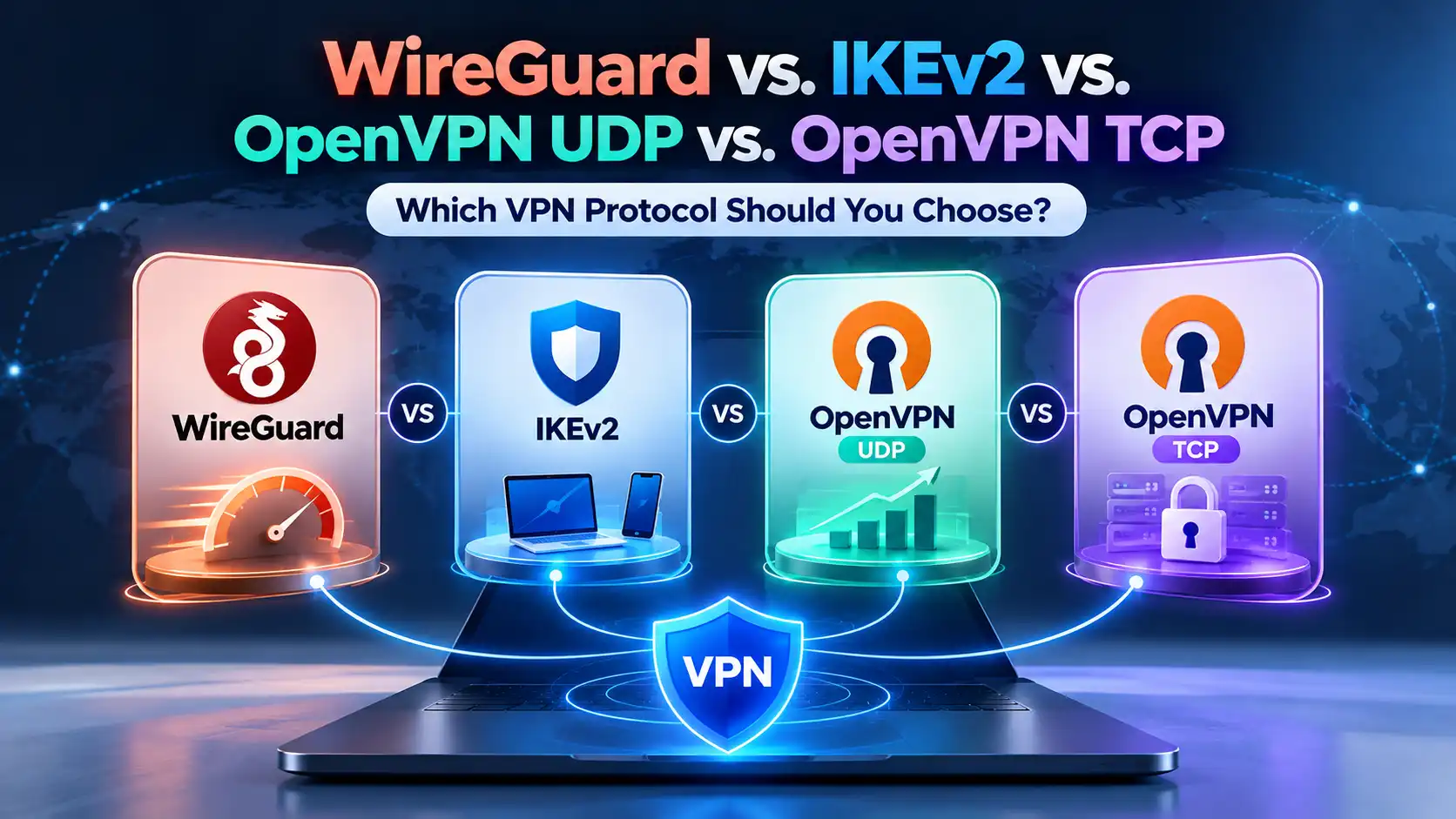
The rules used to establish and maintain that connection are defined by a VPN protocol. Modern VPN services may use protocols such as WireGuard or OpenVPN, which take different approaches to performance, compatibility, and connection behavior.
The technical process goes much deeper, but you do not need to understand networking or cryptography to use a VPN.
What Does a VPN Do?
A VPN mainly changes two parts of your internet connection: who can inspect traffic between you and the VPN server, and which public IP address websites see.
It can encrypt traffic between your device and the VPN server, mask your normal public IP address, reduce visibility for the local network and ISP, and let you connect through a server in another location.
This improves privacy, but privacy is not the same as anonymity.
A VPN changes the network path. It does not erase everything that can identify you online.
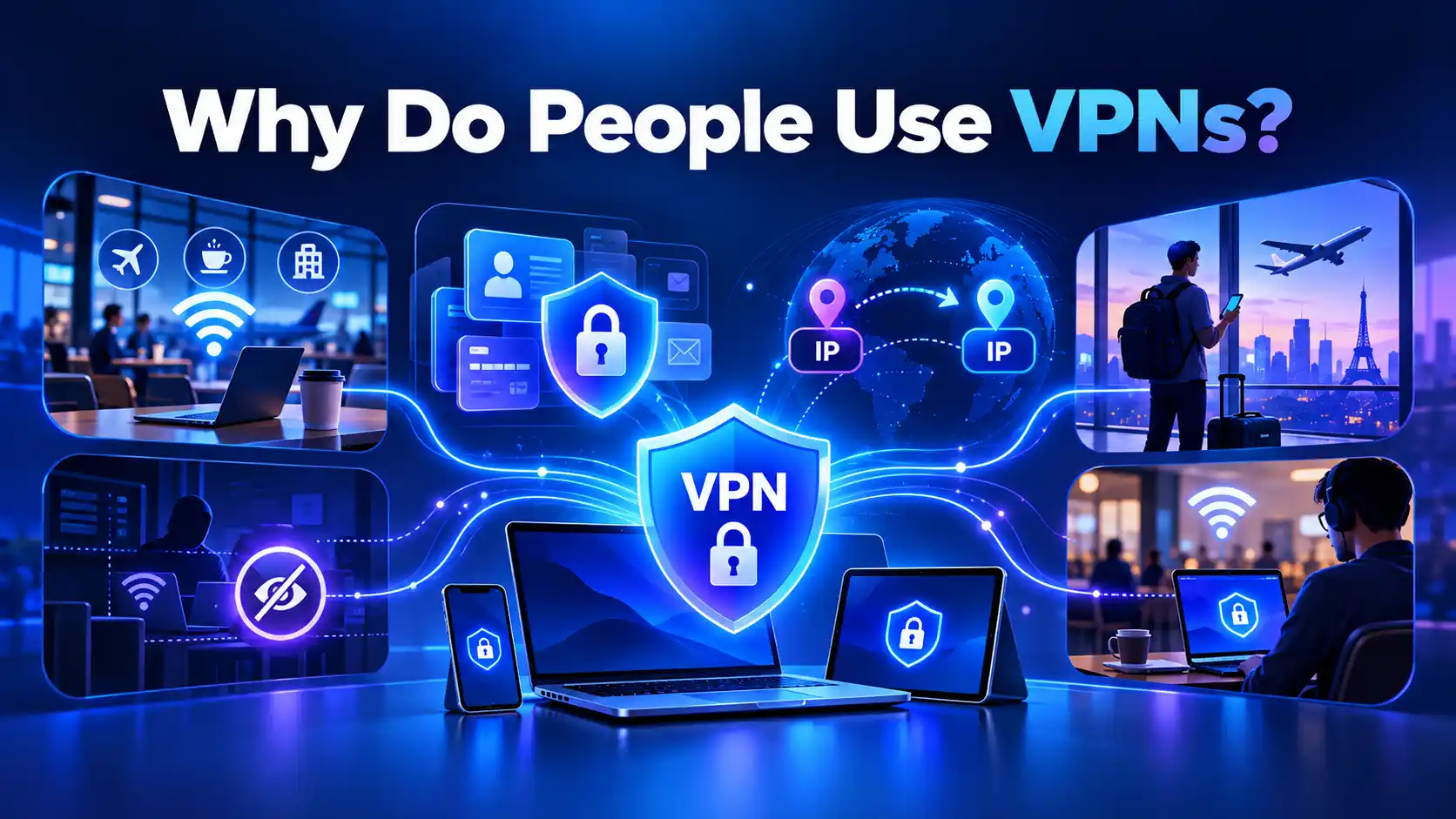
Protecting Your Connection on Public Wi-Fi
Airports, hotels, cafés, and other public networks are convenient, but you do not control how those networks are configured.
Most modern websites already use HTTPS to encrypt the content exchanged between your browser and the website. A VPN adds another layer by protecting traffic between your device and the VPN server and reducing what the local network can observe about your destinations.
This can be especially useful when you do not trust the network you are connected to.
Improving Online Privacy
Without a VPN, your ISP is responsible for carrying your traffic toward its internet destinations and can observe connection metadata.
With a properly functioning VPN, your ISP can generally see that you are communicating with a VPN server, along with information such as connection timing and data volume, but not the destinations inside the encrypted VPN tunnel.
That shifts part of the trust relationship from your ISP to your VPN provider, which is why choosing a trustworthy VPN matters.
Changing Your Visible IP Address
Your public IP address can reveal information such as your ISP and approximate geographic area.
When your traffic goes through a VPN server, websites generally see the server's public IP address instead of your normal one.
This does not hide every form of location information. GPS, browser permissions, account data, Wi-Fi positioning, and other signals may still reveal your actual location.
Reducing Exposure to Local Network Monitoring
A VPN can prevent the Wi-Fi network or other local network operator from easily inspecting traffic carried inside the VPN tunnel.
They may still know that your device is communicating with a VPN server and can observe connection metadata such as timing and data volume.
Using the Internet While Traveling
Connecting through a VPN server can change your IP-based location. This can be useful when traveling, particularly when you want a consistent and private connection on unfamiliar networks.
Availability of specific websites or online services is never guaranteed, however. External services can restrict VPN connections independently.
Remote Work and Untrusted Networks
VPN technology is also widely used for remote access. Businesses may use VPNs to give employees protected access to internal systems, while consumer VPNs are generally designed to improve privacy and security for ordinary internet traffic.
The underlying idea is similar, but the purpose and configuration can be different.
What Are the Benefits of Using a VPN?
Benefit | What it means |
|---|---|
Encrypted connection | Traffic between your device and the VPN server is protected from easy inspection. |
IP masking | Websites generally see the VPN server's IP instead of your normal public IP. |
More privacy from local networks | Wi-Fi operators and other local observers have less visibility into traffic inside the VPN tunnel. |
More privacy from your ISP | Your ISP can see the VPN connection but generally cannot see destinations carried inside the tunnel. |
Flexible server locations | You can route your connection through a VPN server in another available location. |
Protection on unfamiliar networks | A VPN adds another layer of protection when using networks you do not control. |
What Does a VPN Hide?
A VPN can hide your normal public IP address from websites by replacing it with the VPN server's public IP for traffic routed through the VPN.
As a result, websites typically see the approximate IP-based location of the VPN server rather than the location associated with your normal public IP.
A VPN also encrypts traffic between your device and the VPN server, limiting what your ISP or local network can inspect inside that connection.
But that is not the same as hiding your entire online identity.
What a VPN Does Not Hide or Protect You From
A VPN is one layer of privacy and security, not a complete cybersecurity solution.
It does not automatically hide information you voluntarily give to a website. If you sign in to an account, the service still knows which account is being used.
A VPN also does not automatically prevent:
Cookies
Browser fingerprinting
Account-based tracking
GPS location access
Phishing
Malware
Weak or reused passwords
Data you submit to websites
Information a service already holds about you
If you sign in to the same social media account with and without a VPN, for example, the platform does not suddenly forget who you are because your IP address changed.
That is why privacy, security, and anonymity should not be treated as interchangeable terms.
Does a VPN Hide Your IP Address?
Yes, for internet traffic routed through the VPN, websites generally see the VPN server's public IP address rather than your normal public IP address.
Suppose your ISP normally assigns your connection an IP address associated with your city. If you connect to a VPN server elsewhere, websites may instead associate your connection with the server's IP and approximate location.
However, hiding an IP address does not hide every identifier associated with you.
Does a VPN Make You Anonymous?
Not completely.
A VPN can improve privacy by masking your normal IP address and protecting traffic between your device and the VPN server. It can make some forms of network-based tracking more difficult.
But websites may still recognize you through login accounts, cookies, browser fingerprints, device information, payment details, or information you provide directly.
A useful distinction is:
Privacy is about controlling exposure of your information.
Security is about protecting systems and information against threats.
Anonymity is about preventing activity from being connected to your identity.
A VPN can contribute to the first two. It does not guarantee the third.
Who Can See What When You Use a VPN?
This is one of the easiest ways to understand what a VPN actually changes.
Observer | Without a VPN | With a VPN |
|---|---|---|
Local Wi-Fi/network | Can observe your direct network connections and metadata | Sees a connection to the VPN server but not the traffic inside the VPN tunnel |
ISP | Carries traffic toward its normal destinations and can observe connection metadata | Sees the VPN connection, timing, and data volume, but traffic inside the tunnel is encrypted |
Website | Usually sees your normal public IP | Usually sees the VPN server's public IP |
Logged-in service | Can associate activity with your account | Can still associate activity with your account |
VPN provider | Not normally in your connection path | Becomes an intermediary for traffic routed through its servers |
The last row matters.
A VPN does not eliminate trust. It changes where some of that trust is placed. That is why privacy policies, technical security, transparency, and the provider's handling of user data matter when choosing a VPN.
Is a VPN Safe?
A well-designed VPN can provide meaningful privacy and security benefits, but not every VPN service should automatically be trusted.
When you use a VPN, the provider becomes part of your connection path. You should therefore consider how the service handles data, which VPN protocols it supports, how clearly it explains its privacy practices, and whether its security claims can be evaluated.
A VPN itself should also be only one part of your security setup. Device updates, strong passwords, multi-factor authentication, safe browsing habits, and protection against malware remain important.
Does a VPN Slow Down Your Internet?
A VPN can reduce internet speed because traffic has to be encrypted and routed through an additional server.
The impact depends on factors such as:
Distance to the VPN server
VPN server conditions
VPN protocol
Your original internet connection
Network congestion
Routing between networks
Device performance
A nearby, well-performing server may have a relatively small impact, while a distant or congested server can produce a more noticeable difference.
In some specific situations, a VPN route may perform better than the normal route, but a VPN should not be treated as a general-purpose internet speed booster.
Do You Need a VPN at Home?
Not everyone needs a VPN for every internet session.
Modern HTTPS already encrypts the content exchanged between your browser and HTTPS websites, which provides important protection even without a VPN.
A VPN provides a different layer. It can reduce what your ISP sees about destinations carried through the VPN, mask your normal public IP from websites, and give you control over the server location used for your connection.
Whether those benefits matter to you depends on your privacy needs and how you use the internet.
When Should You Use a VPN?
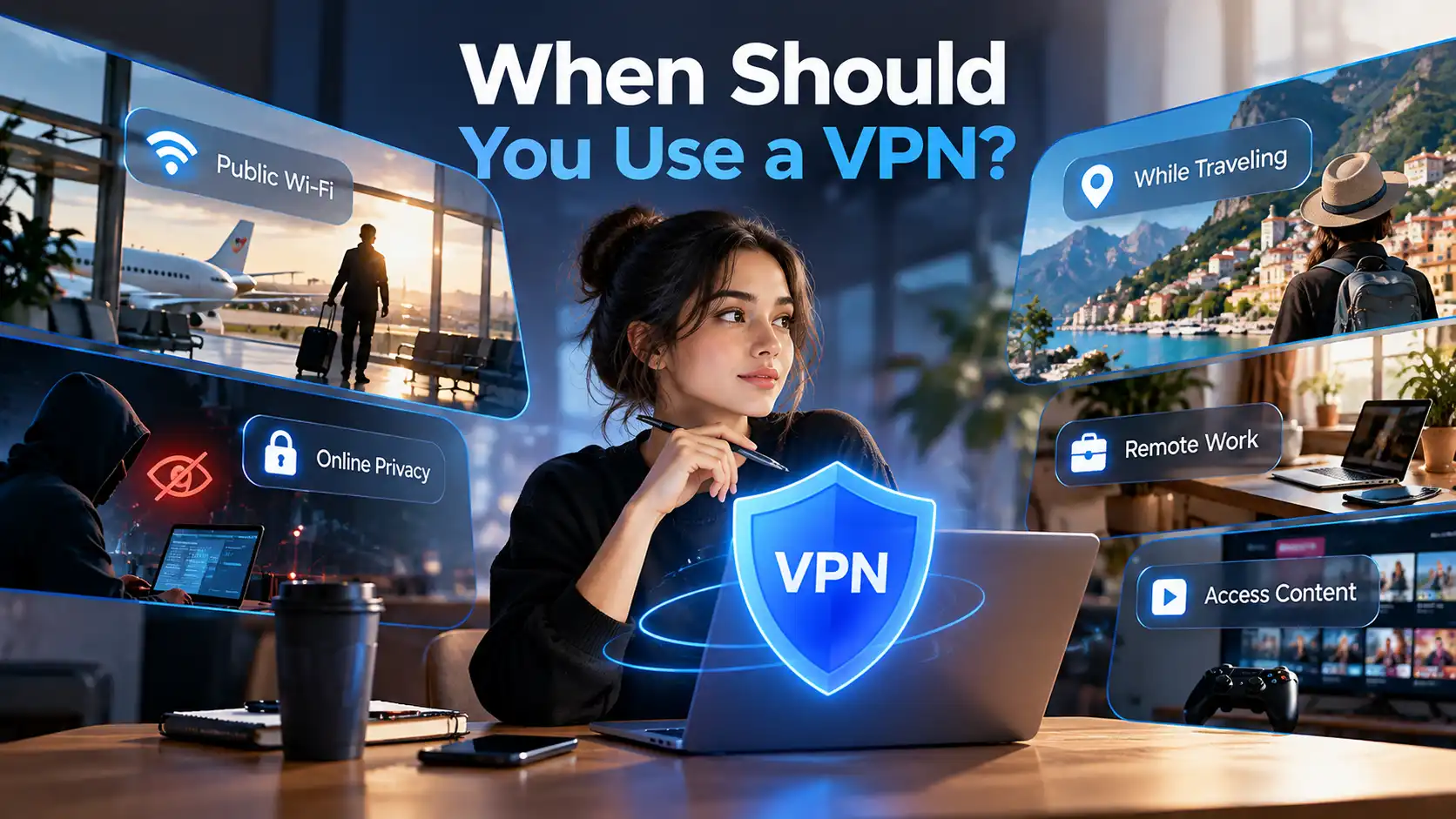
A VPN is particularly useful when you are using a network you do not fully trust, such as airport, hotel, café, or other shared Wi-Fi.
It can also make sense when traveling, working remotely, or when you want additional network privacy during everyday browsing.
You do not need to treat every internet connection as dangerous. The better question is: what information are you trying to protect, and from whom?
That makes choosing privacy tools much easier.
VPN vs. Incognito Mode
A VPN and your browser's incognito or private mode solve different problems.
Incognito mode mainly limits what your browser stores locally after a private session. For example, it may avoid keeping browsing history and remove session cookies when the window closes.
It does not normally change your public IP address or hide your network traffic from your ISP.
A VPN changes the network path and public IP visible to websites, but it does not stop your browser or online accounts from identifying you in other ways.
VPN vs. Proxy
A proxy and VPN can both route traffic through another server and change the IP address seen by a destination.
The major difference is scope and protection.
A consumer VPN is generally designed to create an encrypted connection for device traffic routed through it. A proxy may only handle traffic from a specific application and does not necessarily provide the same type of encrypted tunnel.
The exact behavior depends on the proxy and VPN configuration.
How to Choose a VPN
Start with trust rather than the longest feature list.
Look for a provider that clearly explains its privacy practices, uses modern VPN technology, offers suitable server locations, supports the devices you use, and is transparent about pricing and subscription terms.
Also consider performance, simultaneous connections, customer support, security features, and the VPN protocols available.
Protocols such as WireGuard and OpenVPN are widely used by modern VPN services, but the best choice can depend on your device, network, and priorities.
Most importantly, be skeptical of absolute claims such as "100% anonymous," "completely untraceable," or "total protection." No single privacy tool can honestly guarantee those outcomes.
How to Start Using a VPN
Getting started is usually straightforward:
Choose a VPN provider.
Create an account or select a subscription if required.
Download the VPN app for your device.
Sign in or activate the service.
Choose a VPN server.
Connect.
Confirm that the VPN connection is active.
If you use SyncVPN, the Start using SyncVPN guide can walk you through the product-specific setup process.
Frequently Asked Questions About VPNs
What does VPN stand for?
VPN stands for Virtual Private Network. It describes technology that creates a protected connection between your device and a remote network or VPN server. Consumer VPN services commonly use this connection to encrypt traffic between your device and the VPN server and mask your normal public IP address.
What does a VPN actually do?
A VPN routes internet traffic through a remote VPN server using an encrypted connection. This reduces what the local network and ISP can inspect inside the tunnel and makes websites generally see the VPN server's IP address instead of your normal public IP.
Do I really need a VPN?
It depends on your needs. A VPN can be valuable on networks you do not trust, while traveling, for remote work, or when you want additional network privacy. It is not mandatory for every person or every internet session, and it should not be treated as a replacement for other security practices.
Does a VPN hide my IP address?
A VPN generally hides your normal public IP address from websites for traffic routed through the VPN. Websites see the VPN server's IP address instead. Other information, such as GPS data, account logins, cookies, or browser fingerprints, may still identify or locate you.
Can a VPN make me completely anonymous?
No. A VPN can improve privacy but cannot guarantee complete anonymity. Websites and services may still identify you through accounts, cookies, device characteristics, payment information, browser fingerprinting, or information you voluntarily provide.
Is it safe to use a VPN?
Using a trustworthy, well-designed VPN can improve connection privacy and protect traffic between your device and the VPN server. However, choosing the provider matters because the VPN becomes part of your connection path. Review its privacy practices, technology, transparency, and security before trusting it with your traffic.
Should I leave my VPN on all the time?
You can keep a VPN connected whenever you want its privacy benefits, but it is not always necessary. Some users keep it active by default, while others use it mainly on untrusted networks, while traveling, or during activities where additional network privacy matters.
Does a VPN slow down internet speed?
It can. Encryption and routing traffic through an additional server introduce some overhead. The actual difference depends on server distance, network conditions, VPN protocol, server performance, your device, and your original internet connection.
Final Thoughts
So, what is a VPN? At its core, it is a tool that creates an encrypted connection to a VPN server and routes internet traffic through that server. This can protect traffic from local network inspection, mask your normal public IP address, and give you more control over how your connection reaches the internet.
The important part is understanding its limits. A VPN improves privacy; it does not make you invisible. It protects a connection; it does not replace antivirus software, strong passwords, multi-factor authentication, or careful browsing.
If those network privacy benefits match what you need, a VPN can be a useful part of your everyday privacy setup. To see how the process works with SyncVPN, continue with the Start using SyncVPN guide.