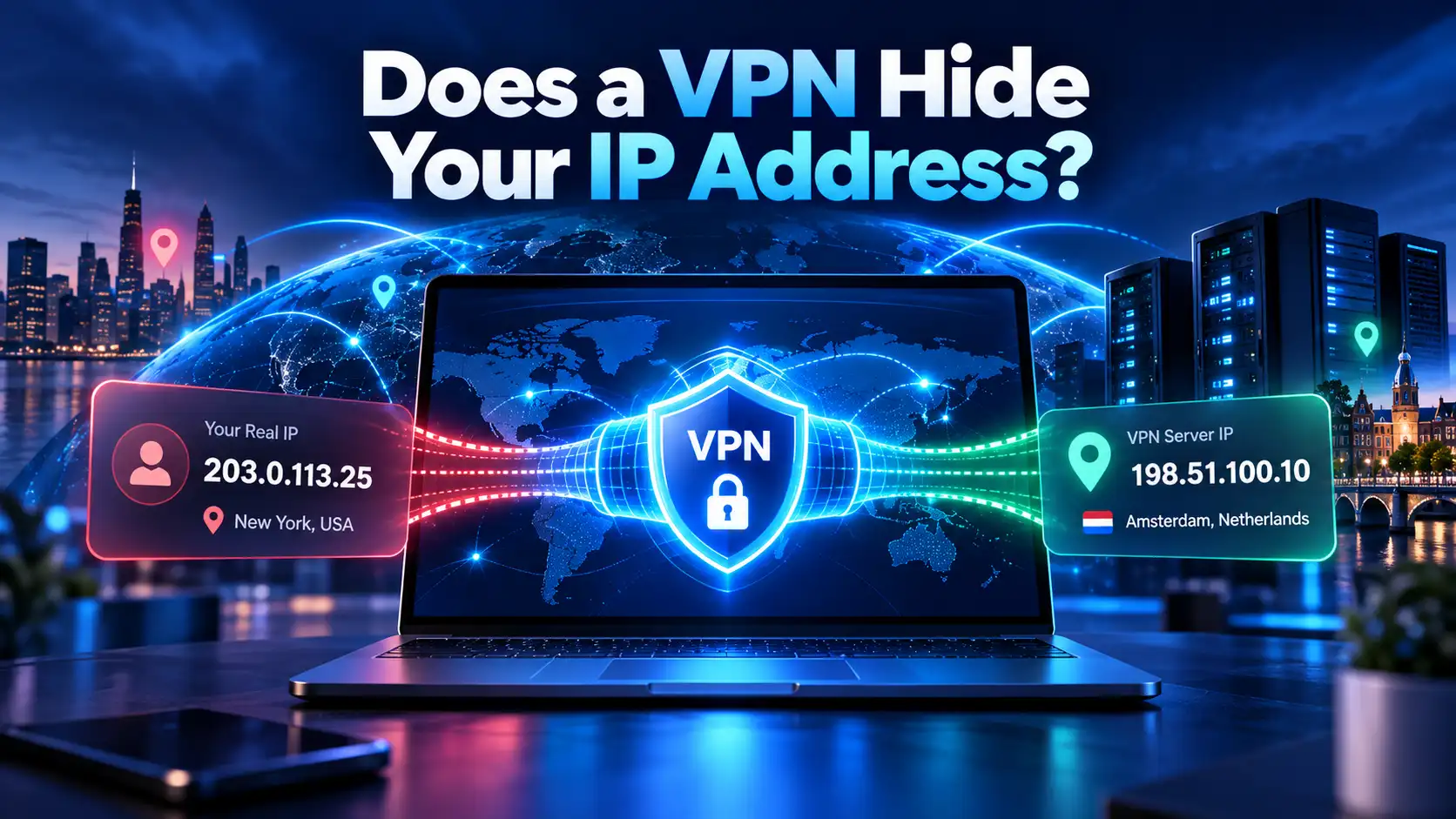
An IPv6 leak occurs when your internet connection bypasses your encrypted VPN tunnel to transmit IPv6 traffic directly through your local Internet Service Provider (ISP). This technical failure exposes your real personal IP address, physical location, and online requests to network observers, even while your VPN interface displays a secure, active connection.
When you turn on a Virtual Private Network, you expect total anonymity and impenetrable encryption. However, because global internet infrastructure is currently in a transitional phase between older IPv4 protocols and modern IPv6 standards, millions of internet users suffer from quiet, undetected data leaks. In this comprehensive guide, we examine why IPv6 leaks happen, why they undermine your cybersecurity, how to test your connection in sixty seconds, and how SyncVPN prevents leaks automatically.
The Root Cause: IPv4 vs. IPv6 in Dual-Stack Networks
To understand why IPv6 leaks happen, it is essential to understand why two distinct internet protocol versions operate side-by-side today:
IPv4 (Internet Protocol Version 4): Standardized in 1981, IPv4 uses a 32-bit numerical structure (such as 198.51.100.1), providing roughly 4.3 billion unique IP addresses. Due to the explosion of modern connected smartphones, cloud servers, and smart home hardware, the global pool of unallocated IPv4 addresses has completely run out.
IPv6 (Internet Protocol Version 6): Built as the permanent, next-generation successor, IPv6 utilizes a 128-bit hexadecimal structure (such as 2001:0db8:85a3:0000:0000:8a2e:0370:7334), offering approximately 340 undecillion distinct addresses—an effectively inexhaustible supply.
Because telecom providers cannot migrate billions of hardware devices overnight, modern ISPs and operating systems run on dual-stack architecture. This means your Wi-Fi router, PC, and smartphone are assigned both an IPv4 and an IPv6 address concurrently.
How an IPv6 Leak Circumvents Your VPN
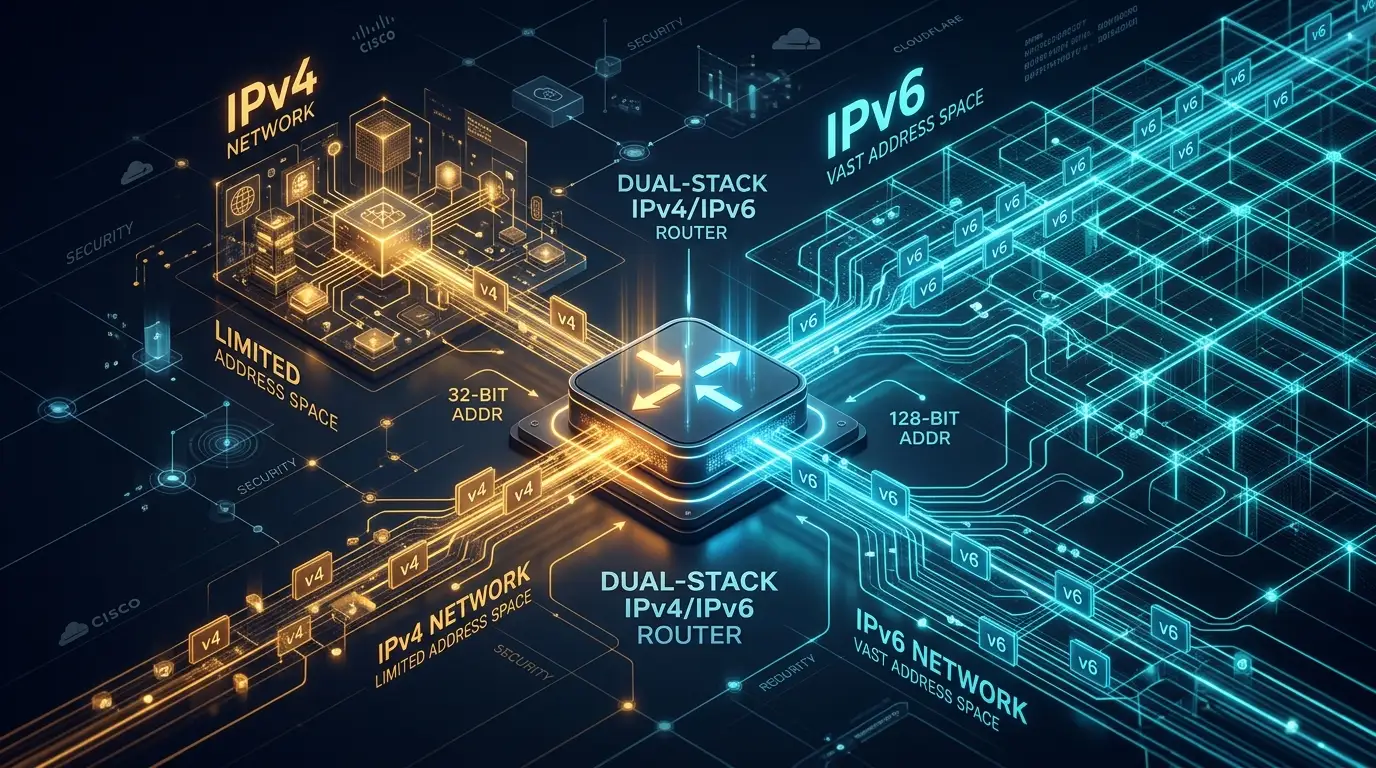
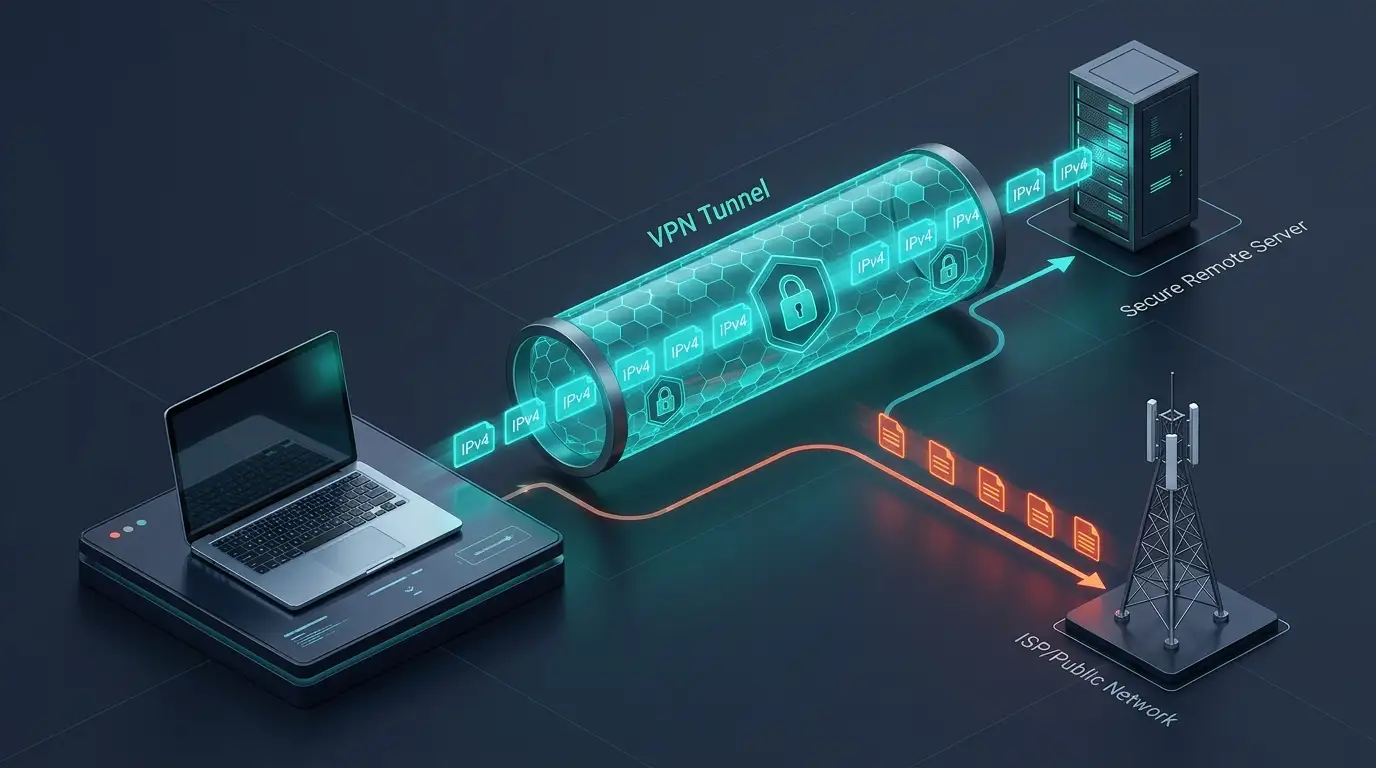
When you connect to a standard VPN, client software builds an encrypted tunnel between your device and an offsite server. However, many basic or outdated VPN providers configure their routing tables exclusively for IPv4 data packets.
When you navigate to an IPv6-supported website or web application:
Modern operating systems (Windows, macOS, Android, and iOS) prioritize IPv6 connections automatically because of routing efficiencies.
If your VPN client lacks active IPv6 routing or automated packet suppression, your operating system bypasses the encrypted tunnel and fulfills the query over your unencrypted local ISP connection.
The destination web server receives your authentic home IPv6 address and geographic coordinates, instantly dismantling your privacy.
The Hidden Privacy Dangers of an IPv6 Leak
Experiencing an IPv6 leak nullifies the core privacy protections of your VPN:
1. Granular Geolocation Exposure
Unlike standard IPv4 addresses, which generally resolve to a broad metropolitan hub or an ISP switching center, IPv6 prefixes are frequently partitioned into localized suburban network cells. An exposed IPv6 can pinpoint your physical neighborhood with disturbing accuracy.
2. Complete ISP Activity Tracking
Because leaked IPv6 packets bypass the encrypted tunnel, your local ISP regains full visibility into the domain names you resolve, the services you access, and the exact timestamps of your browsing sessions.
3. Persistent Identity Profiling
Digital advertising exchanges and data brokers track unique IPv6 identifiers across websites. Once your authentic IPv6 leaks, third-party analytics can link your encrypted browsing habits directly to your true real-world identity.
IPv6 Leak vs. DNS Leak vs. WebRTC Leak: Comparison Matrix
Users frequently confuse different forms of IP leakage. The table below outlines how they differ:
Leak Type | What Gets Exposed? | Technical Root Cause | Primary Fix |
|---|---|---|---|
IPv6 Leak | Your genuine 128-bit IPv6 address and local ISP gateway. | Dual-stack network traffic bypassing an IPv4-only encrypted tunnel. | Automated client-side IPv6 packet blocking or native IPv6 tunneling. |
DNS Leak | The domain names and URLs of websites you visit. | Queries bypassing encrypted VPN resolvers to hit default ISP DNS servers. | Private, zero-log DNS resolvers enforced on all adapters. |
WebRTC Leak | Public and private IP addresses directly inside the browser. | Browser real-time communication APIs querying local network interfaces. | Disabling WebRTC or using dedicated privacy extensions. |
Step-by-Step: How to Test for an IPv6 Leak in 60 Seconds
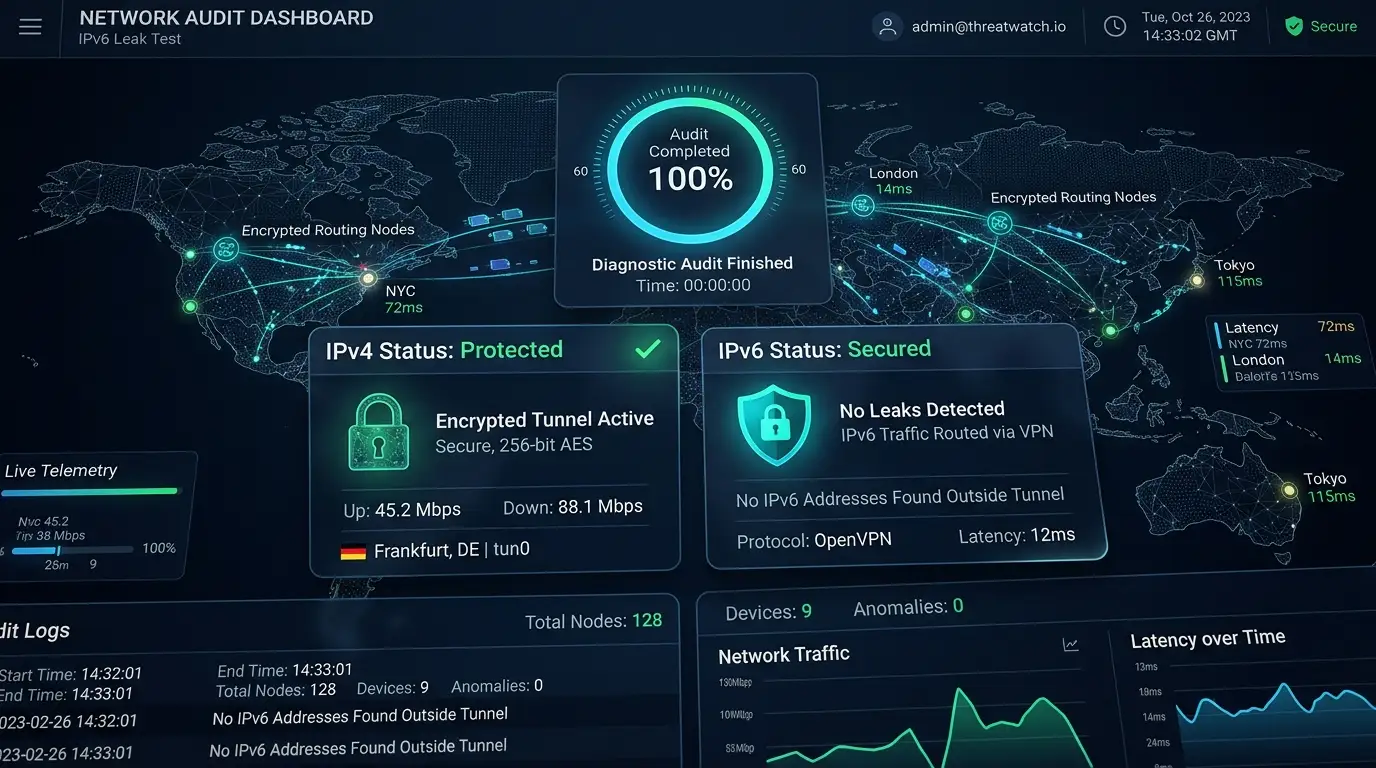
You can verify whether your VPN is leaking data using a quick, straightforward diagnostic audit:
Test Your Unprotected Connection:
Disconnect your VPN. Open the SyncVPN What Is My IP Address tool in your browser. Record both your visible IPv4 and IPv6 addresses along with your ISP name.Connect to Your VPN Server:
Launch your VPN application and connect to a server location of your choice.Refresh the Diagnostic Tool:
Reload the IP test page.Evaluate the Results:
Fully Protected: The tool displays only the VPN server’s IP address and provider hostname. The IPv6 field will either display a matching secure VPN IPv6 address or indicate "Not Detected / Disabled".
Active Leak: If the tool still displays the same authentic IPv6 address or residential ISP name that was visible in Step 1, your connection is actively leaking.
How SyncVPN Eliminates IPv6 Leaks
Unlike low-tier VPNs or competitors that expect users to manually tweak complex router files, SyncVPN implements multi-layered engineering safeguards across all applications:
Automated Client-Level IPv6 Filtering: On our standard desktop and mobile applications, SyncVPN applies strict network adapter rules that automatically block unencrypted IPv6 traffic from escaping your physical network card while the tunnel is active.
Integrated Kill Switch Protection: If your connection drops unexpectedly due to network instability, our built-in Kill Switch instantly freezes all system traffic, ensuring unencrypted packets never leak to your ISP.
Sync Max Dual IPv4 & IPv6 Infrastructure: For advanced users requiring end-to-end native IPv6 connectivity, the SyncVPN Sync Max plan delivers Dedicated IPs across 20 countries with full native IPv4 and IPv6 tunnel routing.
Zero-Log Private DNS: All domain requests are resolved exclusively through our own bare-metal encrypted DNS servers, ensuring comprehensive protection against simultaneous DNS leaks.
Advanced Troubleshooting: How to Manually Disable IPv6
If you are using manual third-party OpenVPN configurations on a router or legacy operating system that lacks automated client-level leak blocking, you can disable IPv6 manually on Windows:
Press Windows Key + R, type
ncpa.cpl, and press Enter to open Network Connections.Right-click your active network adapter (Wi-Fi or Ethernet) and click Properties.
In the checklist under "This connection uses the following items", locate Internet Protocol Version 6 (TCP/IPv6).
Uncheck the box next to TCP/IPv6.
Click OK to save changes, then restart your browser.
Disabling IPv6 at the operating system level prevents IPv6 leaks on unmanaged manual connections, but using a dedicated VPN application with automated leak protection is the recommended solution.
Frequently Asked Questions (FAQ)
Does a VPN always protect against IPv6 leaks?
No. Free and budget VPN services routinely tunnel IPv4 traffic while completely ignoring IPv6 packets. To stay fully protected, you must verify that your VPN features active IPv6 leak blocking or native dual-stack tunneling.
Does turning off IPv6 slow down my internet connection?
No. The vast majority of modern websites, video streaming services, and online platforms remain fully functional over standard IPv4. Disabling IPv6 locally will not noticeably affect your daily download speeds or latency.
Can hackers intercept my data during an IPv6 leak?
While modern HTTPS protocols encrypt the specific content of your web pages, an IPv6 leak reveals your real geographic location, ISP identity, and the remote servers you interact with, destroying your privacy and exposing you to location profiling.
Summary and Key Takeaways
An IPv6 leak occurs when dual-stack network traffic bypasses an encrypted tunnel, revealing your authentic IP address and physical location.
Traditional VPNs frequently fail to manage IPv6 traffic, leaving users vulnerable to ISP tracking and surveillance.
You can audit your security at any time using our online IP verification tool.
SyncVPN secures your connection automatically through client-level filtering, an integrated Kill Switch, and dedicated dual-stack infrastructure on premium tiers.